One business number on a desk phone and a mobile
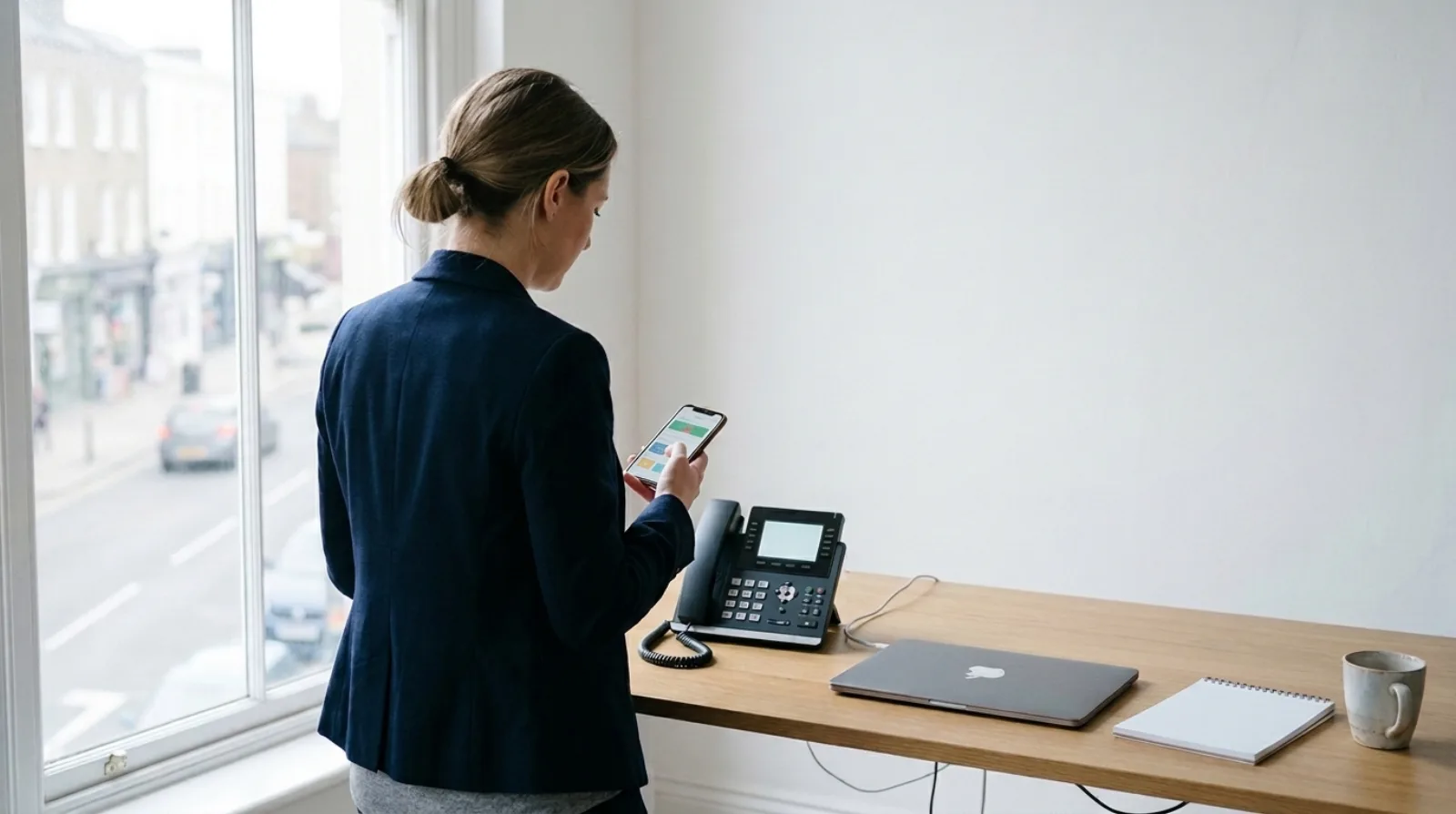
Yes, one business number can work on a desk phone and on a mobile. With a cloud business phone system, the number belongs to the person's account, not to a handset or a SIM, so the same number can be used in a desktop app, a mobile app and a supported desk phone. The things to check are what each device does with a call, who pays for it, and whether the number is yours to take with you.
I started with the old way. In 2012 I was selling on-premise phone systems to dentists, garages and solicitors, and a number meant a line into a box in the building. If someone left the office, the usual answer was to forward their calls to a mobile and wait for a complaint. Someone on a site visit was a missed call until they rang back from their own mobile, with their own number.
Can one number really sit on a desk phone and a mobile?
Yes, one business number can sit on a desk phone and a mobile. On a cloud system the number is a setting on a user, and the devices log in to that user. A desk phone is one login. The mobile app is another. The desktop app is a third.
The old model tied the number to the handset. The cloud model ties it to the person. That's what lets someone take a call at their desk in the morning and from the train in the afternoon on the same business number.
Olatti works this way. Each user has their own login, number access and apps, and desktop and mobile apps come with every plan. Supported desk phones are there for anyone who wants a handset, and the Unlimited annual plan includes one Yealink T31W per user (see Olatti pricing).
What should the mobile show the person you're calling?
A mobile on a cloud business phone system should show the business number, not the person's personal mobile. Check this one first: it is the one that decides what your customers save in their phones.
A mobile that only forwards office calls leaves the person dialling out from their own SIM, which shows their personal mobile. Then the customer has a personal number saved in their phone and when that person leaves, the customer's number leaves with them. Ask any provider to show you an outgoing call from the mobile app and read the number on the other phone.
I wrote about the ownership side in a work phone number for staff, not their personal mobile.

Who still wants a desk phone?
Anyone with a laptop and a mobile can take calls without a desk phone, but reception and shared desks are better with one. A handset on those seats is always there, always charged, and nobody has to find an app.
The deciding question is who needs to answer a call without thinking about it. For those people, a desk phone is quicker. For everyone else, the app on the laptop and the phone in the pocket is enough. Olatti doesn't make you choose up front: apps are included on every plan, and you add handsets for the seats that want them. The hardware range lists the supported models.
What does it cost to put one number on several devices?
When one business number runs on several devices, check whether the provider charges per user or per device. Per user is the version to look for: one person, one number, with that person's desktop app, mobile app and desk phone on it.
Olatti prices per user, per month, ex VAT. A user is one person with their own login, number access and apps, and you're billed for people who accept their invite and become active (see the pricing page). The plans differ on calling and recording, and the Unlimited annual plan adds the free desk phone.
Some providers charge for each extra device or each extra "extension". Add up the devices your team will actually use before you compare.
What happens to the number if you leave?
You should be able to take your business number with you if you change provider. A UK business number can be ported, which means moved from one provider to another and keeping the digits. Olatti ports numbers in at £20 per number, one-off, then £5 a month for each ported number. Porting starts with an enquiry at olatti.com/porting, where Olatti checks the number and provider details and may ask for a Letter of Authority. Porting out of Olatti is free.
Check two things before you sign with anyone: that the number can be ported out again, and what it costs. If you'd like the long version, read keeping your number when you switch.
What should you ask a provider before you buy?
Ask five questions of any provider:
- Which devices can use one user's number? A good answer names the desktop app, the mobile app and the supported desk phones.
- What number shows on an outgoing call from the mobile? The business number.
- Is pricing per user or per device? Per user.
- Can I port my existing number in, and out? Yes to both, with the price in writing.
- Can I try it before I move anyone? A trial or free start, on real calls.
Then ring yourself from each device and listen.
Frequently asked questions
Can I keep my landline number and use it on a mobile? Yes, if the number can be ported to a cloud provider. Once ported, it works in the app and on a supported desk phone. See our guide to what replaces the landline.
Do I need two SIMs or a second handset? No. The mobile app runs on the phone the person already carries, with their personal number left alone.
Is a desk phone included with Olatti? Desk phones are optional. The Unlimited annual plan includes one Yealink T31W per user. Check the hardware page for supported handsets on the other plans.
Where do I start? The business phone system page sets out what Olatti does and who it's for, and you can start for free (opens in a new tab) with one number and see it on your own desk and your own phone.