One number.
One conversation.
Double-tap to summon, type a name, press Enter to call or Shift Enter to message. No app-switching, no hunting through contacts.
Made for UK teams. Accountants, estate agents, design studios, agencies, clinics - the ones who quietly gave up on a business phone and now run everything through Teams, WhatsApp and a personal mobile. This is the one you'd want back.
The whole product in one gesture.
Double-tap your summon key inside anything - your CRM, a spreadsheet, a browser tab. Olatti comes to the front. Your work stays put.
Type a name. Press enter to call, shift-enter to message. The shortest possible distance between the thought and the conversation.
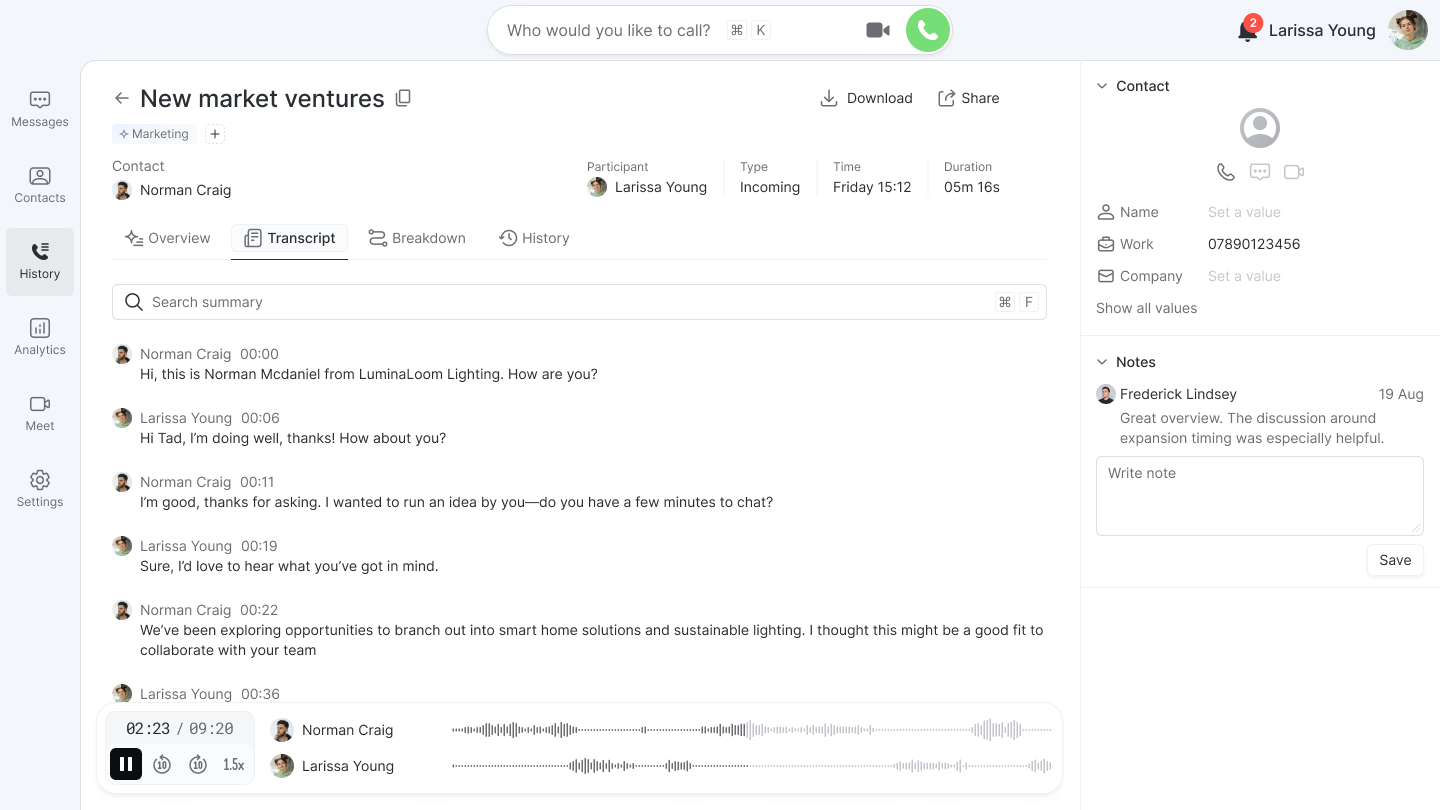
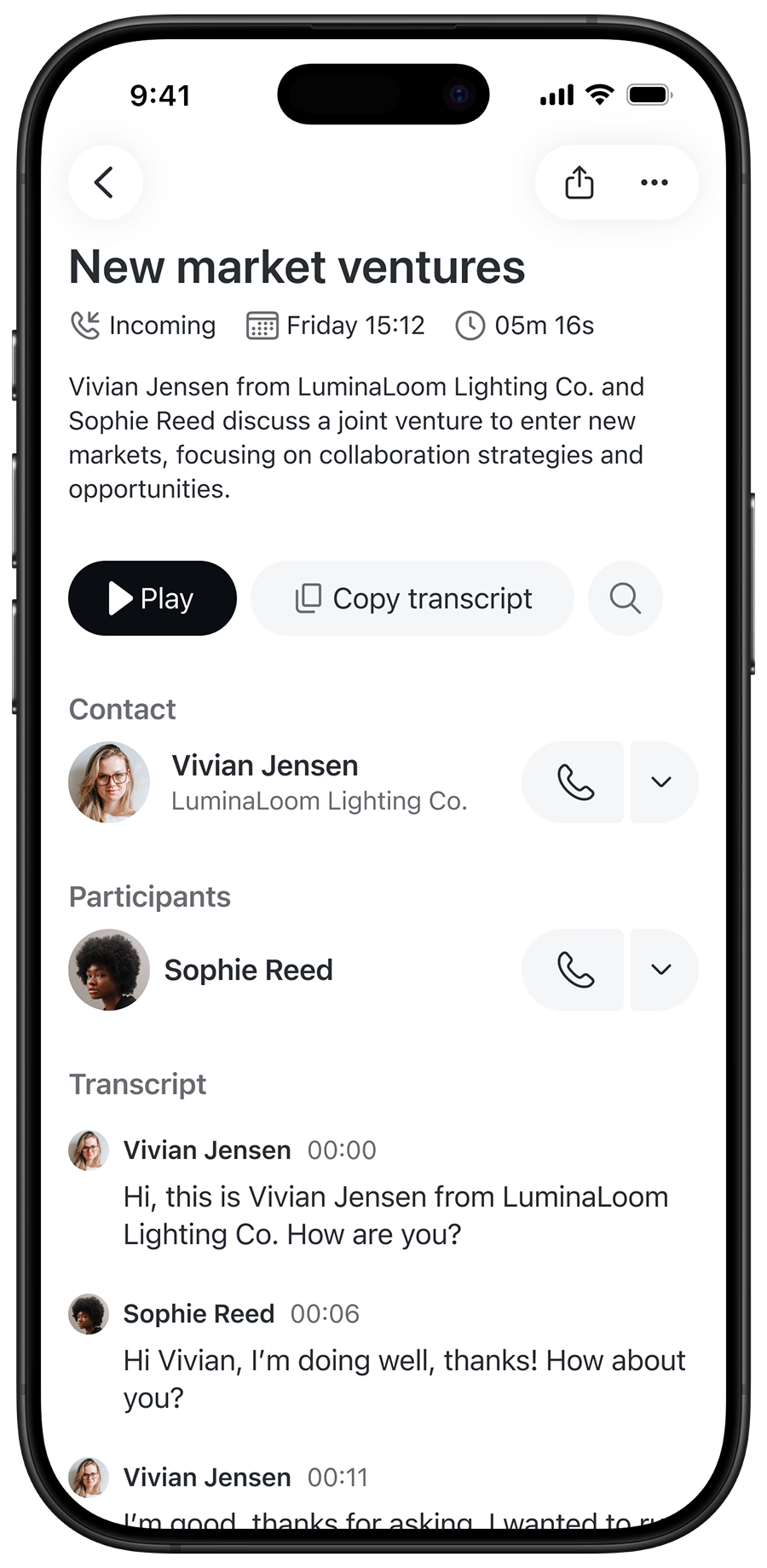
The call ends and its details land in the calls tab - the recording, transcript and summary, all one click away.
Speak to dial.
Hold a key and say the name. 'Ola John' - and you're dialling before you've let go. And if John can't pick up, Olatti tells you, then lets him know you were trying to reach him.





Messaging, in the same thread.
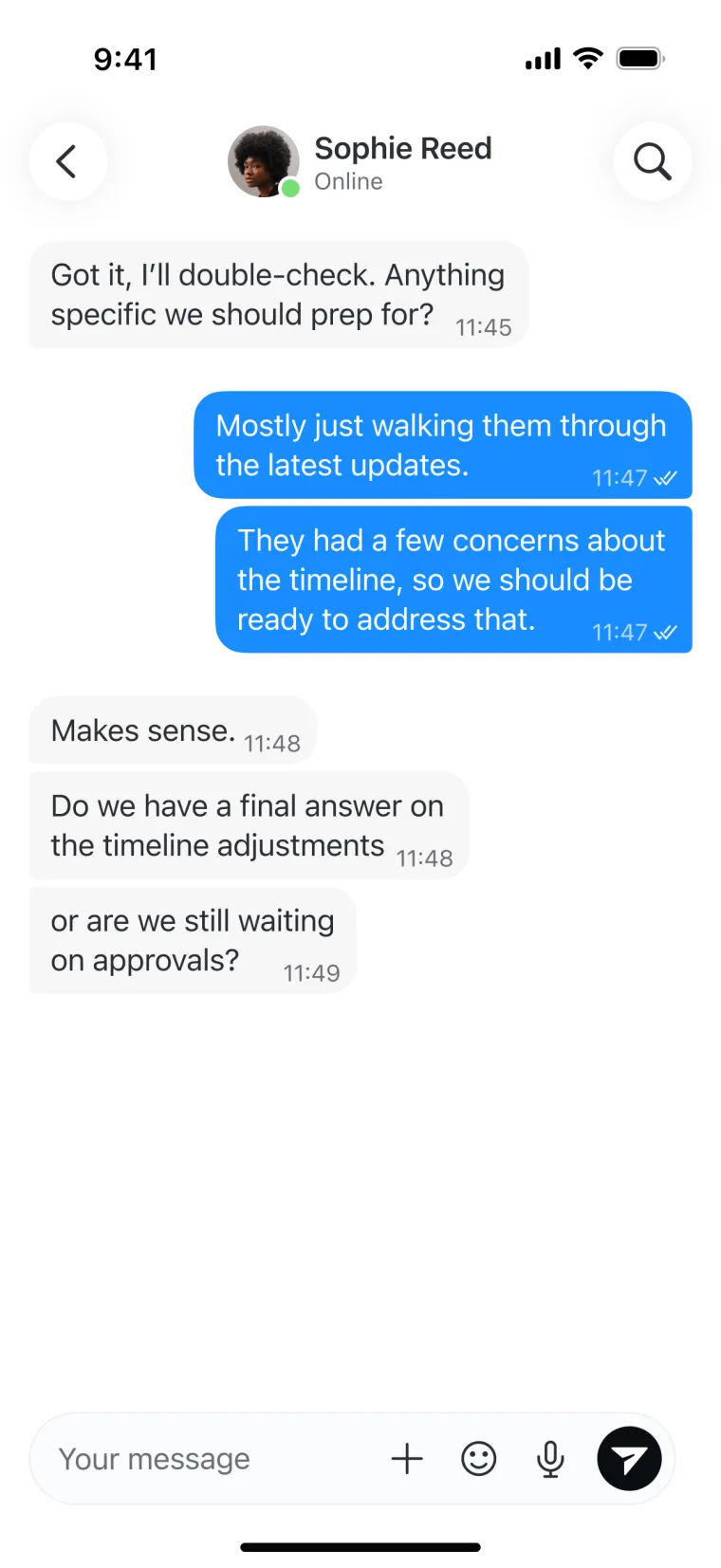
Chat lives beside your calls, not in another app. One thread per contact carries messages, voice notes, voicemails, recordings and files - and the same gesture that places a call sends a message: shift-enter instead of enter.

Find what was said in seconds.
Search by what was actually said. Type a word - 'complaint', say - and your whole call history narrows to the calls that mention it. No scrubbing through audio.
Pick the call up anywhere.
Start at your desk, carry on from your phone. Hit switch device, choose your iPhone, and it rings - the call only leaves the desktop once you've answered. The person on the other end never notices.
Build the call flow yourself.
Decide what happens to every incoming call - open hours, who rings, where it lands when no one picks up. Build it as a flow you can see, and change it any time. No telecoms jargon, no support ticket.
Meet face to face, kept with everything else.
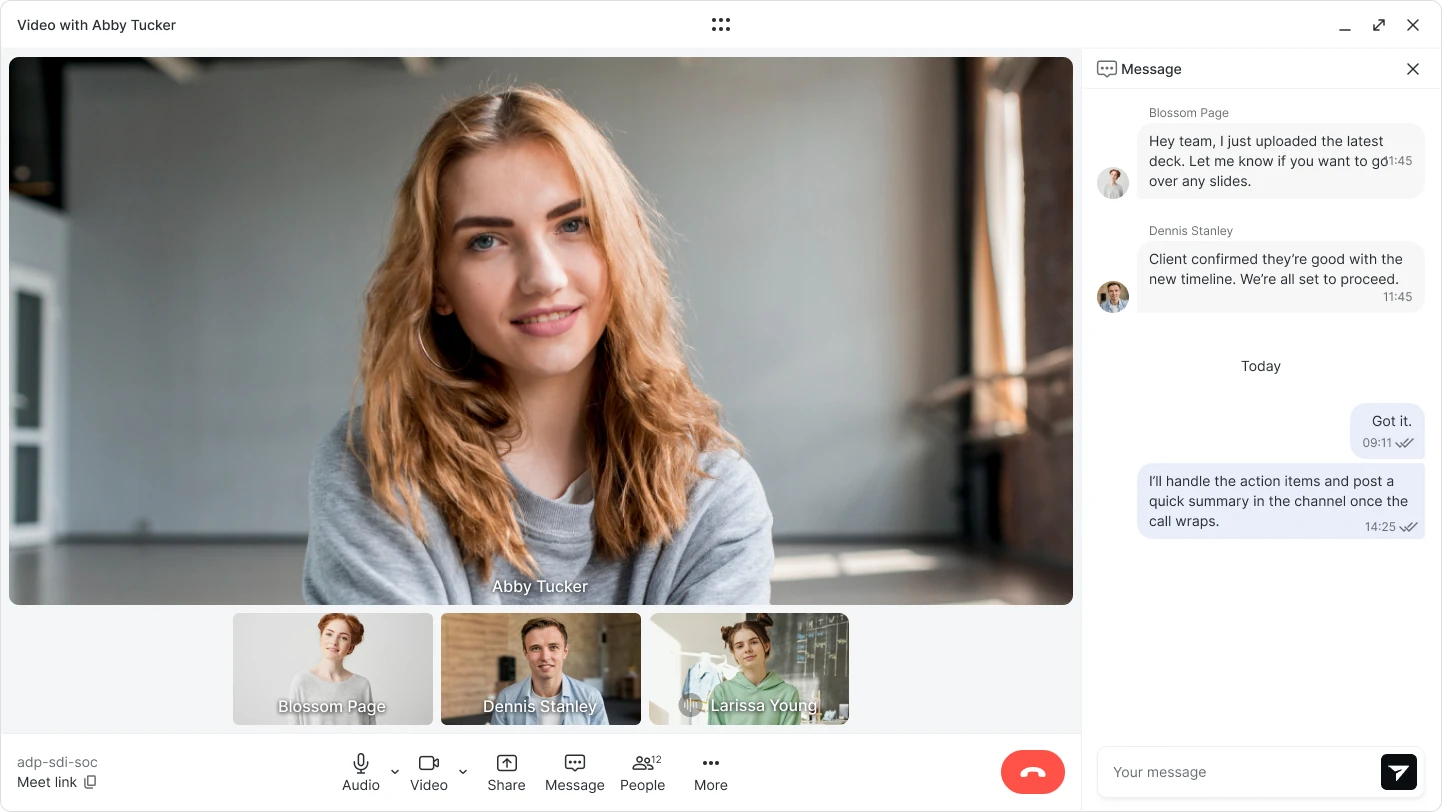
Video meetings with your team and your customers - recorded, transcribed and dropped straight into your call history, so the whole conversation lives in one place.
Everything you'd expect. Nothing you wouldn't.
A real UK number
A proper local number people recognise and trust, not a VoIP afterthought.
Keep your number
Already have a business number? Port it in and carry on as normal.
Every call kept
Recorded, transcribed, summarised and searchable automatically, the moment it ends.
Desk and mobile
Start a call at your desk, carry it on from your phone. One live call, either place.
Built for teams
One shared history per contact, so nothing important lives on a personal mobile.
International, both ways
Call any country, and add international numbers of your own - dial out from them and take calls on them.
Yours, secured
Voice and transcription run in our own UK data centres. Your conversations stay yours.
Your work line, on your own mobile.
The Olatti eSIM adds your business line to your phone as a second number. Make and take calls from the dialler you already use - no app, no data, no Wi-Fi. Built for teams who lose data, not signal.
- Set up in minutesScan the QR code we email you. Your number lands as a second line, with nothing to install.
- Calls over signal, not dataRuns on the mobile voice network, so it works in warehouses, basements and rural blackspots.
- Still fully OlattiYour number, recordings, call flows and history all apply, exactly as they do in the app.


Desk phone, laptop, tablet, mobile. One conversation.
Plug in a proper desk phone and it behaves like every other device - same number, same history, no compromise. It's real, carrier-grade telecoms underneath, not a softphone bolted onto an app.
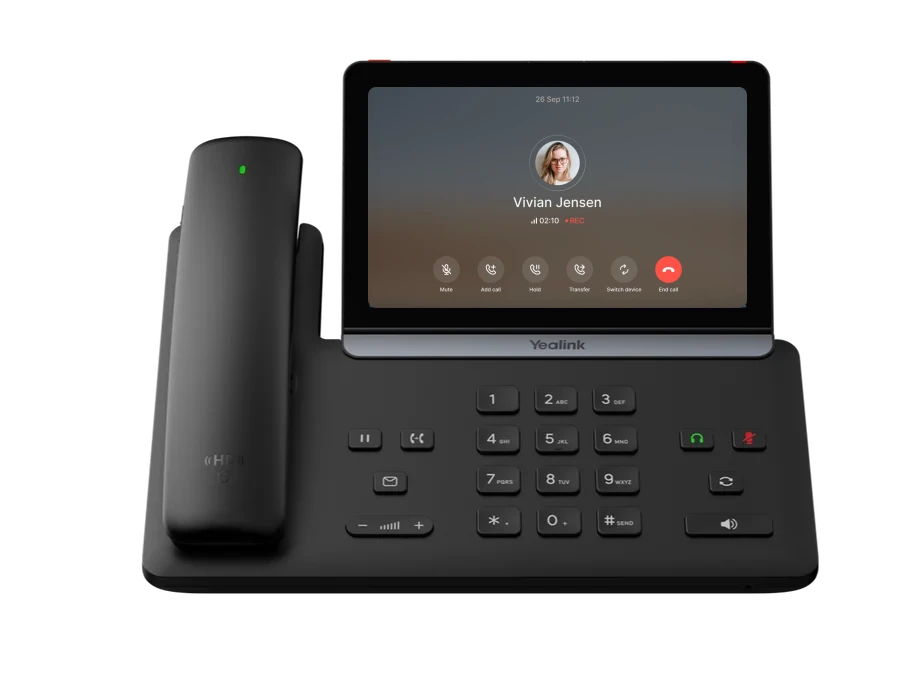
- Favourites sync to your speed-dial keysAdd a favourite on your laptop and it lands on the desk phone's keys. Manage them in either place.
- Voicemail in both placesListen and call back from the handset or the app - and read the full transcript in the app.
- Switch a live call between devicesOn the desk phone, send the call to your laptop or mobile mid-sentence. The other end never notices.
- One set of contacts and call historyBrowse the same contacts and the same history on every device. There's only one source of truth.
- Set the phone up from the appPush config to the handset from Olatti - no fiddling with the phone itself.
From one handset at reception to a deskful across the team, we supply the phones and set them up for you. They provision themselves the moment they're plugged in.
See supported hardwareYour conversations stay yours.
Voice, transcription and summarisation run on our own infrastructure, in our own UK data centres. Not a third-party AI provider, not a transcription service in another country.
“My hands never leave the keyboard. Double-tap, type a name, and I’m on the call before I’d even have found the number in our old setup. It’s the first phone tool that keeps up with how we actually work.”
 Olatti
“I spent fifteen years in telecoms before Olatti. I watched businesses suffer through the pain of an unsuitable, bloated, impossible to love generic phone system. Olatti is the opposite: the fastest way to reach someone, built with the craft those tools never had. No call centre. No clutter. Just the conversation.”

The things people ask.
Can I keep my existing number?
Yes. Port your current business number across and carry on as normal, or pick a fresh UK number if you'd rather start clean.
Do I need new hardware?
No. Olatti runs on the Mac and iPhone you already have. There are no desk handsets to buy and nothing to wire in.
Is there a contract or lock-in?
No long contracts. You're never tied in, and you can take your number with you if you ever leave.
Where are my calls stored, and who can hear them?
Recordings, transcripts and summaries are processed and stored in our own UK data centres - not handed to a third-party AI provider. Only your team can see your call history.
Does it work for a whole team?
Yes. Everyone gets the same business phone, and each contact keeps one shared history - so nothing important is stuck on a personal mobile.
Comparing this to what's already on your desk? See our full office telephone system overview.