The case for a keyboard-first phone
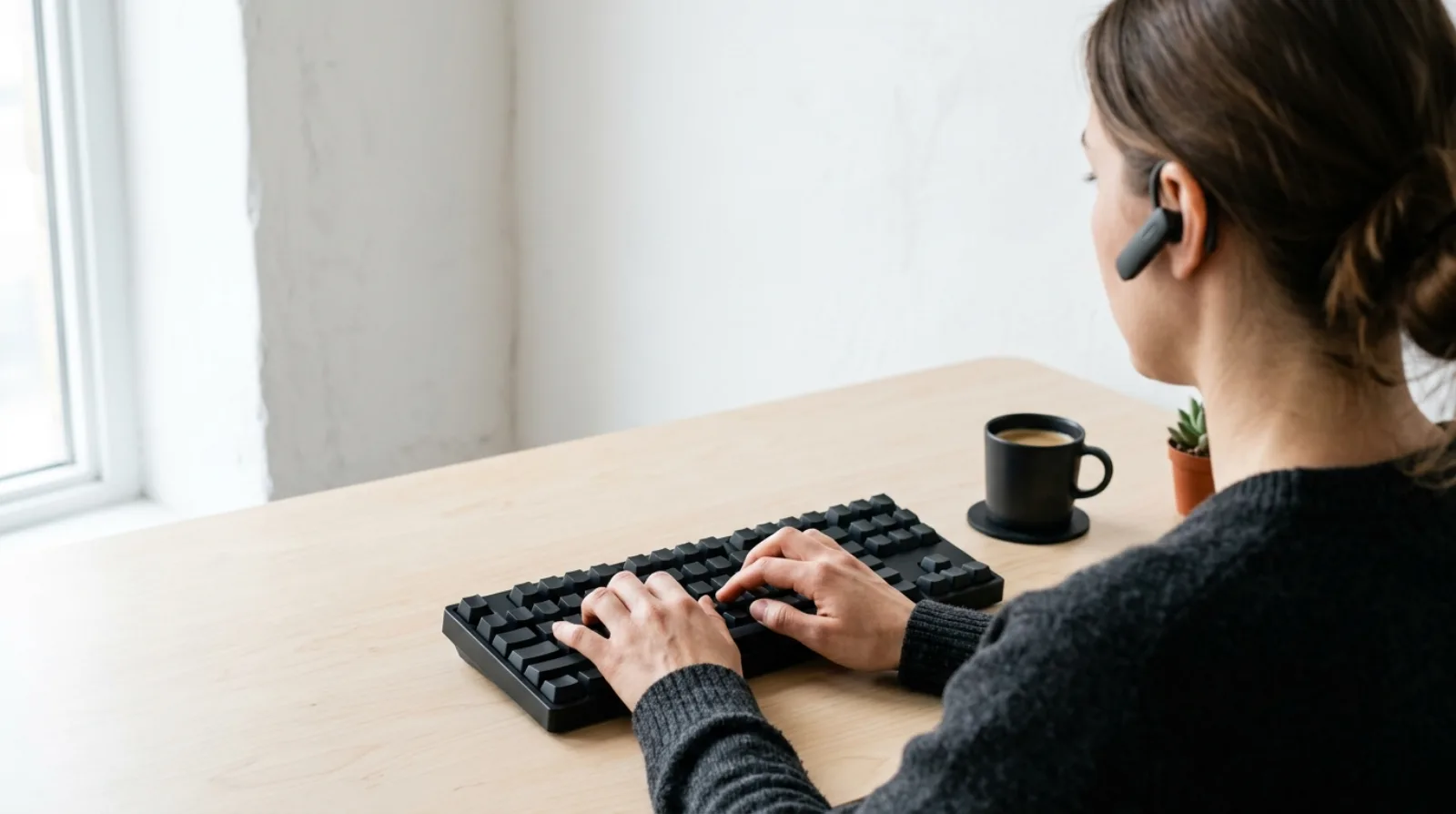
If you work fast, your hands barely leave the keyboard. You tab between windows, search instead of scroll, and reach for the mouse only when nothing else will do. That instinct runs through every tool on your desk, with one exception: the phone. This is the case for a keyboard-first phone. I've done every job at circle.cloud, the UK telecoms company I started in 2015 that installs and supports phone systems for small businesses, telemarketing through to support, and watched where the seconds go between deciding to call someone and talking to them. Most of them go on the tool, not the conversation.
A keyboard-first phone lets you reach anyone without touching the mouse or leaving the window you're working in. You summon it with a double-tap of a key, type a name, then press enter to call or shift-enter to message. No contacts list, no app to hunt for. The distance from the thought to the conversation is about a second.
Why power users want a keyboard-first phone
The keyboard is faster, but that isn't really the point. The point is that the keyboard keeps you where you are. Your eyes stay on the work, your train of thought stays intact, and the next action happens without you leaving.
Every reach for the mouse breaks that. You leave the keys, find the cursor, aim, click, come back. It takes a second or two, and it costs more than a second or two, because you've stepped out of whatever you were in the middle of. A small tax on attention, paid dozens of times a day.
For a phone, that break is where the hesitation lives. The message you meant to send but didn't. The quick call you put off because reaching for it felt like a detour. The expensive conversations in a small business aren't the ones that go badly. They're the ones that never happen.
Keyboard-first won everywhere except the phone
Look at the tools people who work fast actually reach for. The browser's address bar. The terminal. Shortcuts in Excel, Photoshop and Final Cut. A whole generation of newer software, Raycast, Superhuman, Linear, is built on the same three ideas: a global hotkey to summon it, a command palette to drive it, and a shortcut for every action so your hands never leave the home row. They sit at the edge of your attention until you call them forward, then get out of the way again. They aren't Olatti's competitors. They're the bar.
Business communication never caught up. The tool most people make their calls with wasn't chosen by the person using it. It was bundled in, assigned by whoever bought the licences, and built to tick boxes for that buyer rather than for the hands that live in it all day. So it makes you click. It makes you navigate. It makes you wait while it thinks about connecting, and you feel that every time you dial out and count the seconds before anything happens.
How long should it take to reach a colleague?

Even in a well-organised setup, reaching a colleague today takes a few seconds: find the app, type the name, pick from a list, press call. A few seconds doesn't sound like much. It isn't the seconds, though. It's the break, repeated all day.
Voice assistants are slower, not faster. When we timed it, asking Siri or Google to place a call took nine to eleven seconds, and they don't know your work contacts or stay in the app you were using. They were built to tell you the weather, not to reach Tom in accounts.
The bar I hold Olatti to is about a second and a half, from any window you happen to be in to a message sent. That's the target we measure the product against, not a lab result, and I'd rather say so than hand you a number I can't back. Once reaching someone is that cheap, the hesitation goes, because acting costs less than not acting.
What a keyboard-enabled phone actually does
It comes down to one gesture. In the Mac or Windows app, double-tap the summon key (Shift by default, though you can change it) from inside whatever you're working in, a CRM, a spreadsheet, Figma, a browser tab, a terminal. The work stays exactly where it is. You land straight in the calls bar. Type a name. Enter to call, shift-enter to message. Already inside Olatti? Cmd-K on a Mac or Ctrl-K on Windows does the same. No mouse, no app-switching, no scrolling through contacts.
The rest of the time it's out of the way. Olatti is loaded and a double-tap away, but it lives behind your work, not in front of it. No badges begging for attention, no popups. You reach for it because it earns the reach.
My view is that how a tool feels changes how people work with it, and most business software was built without anyone caring about that. The tool you can leave and come back to without breaking stride is the one you keep. There's more on why we built Olatti this way if you want the longer story.
The phone is overdue
The keyboard already won the rest of your desk. Your editor, your spreadsheet, your search bar, your terminal, all of it bends to your hands and gets out of the way. The phone is the one tool that still makes you stop, click and wait, and there's no good reason for that any more.
A keyboard-enabled phone is the same idea, finally applied to the thing you do most: reaching people. Communication at the speed of thought, so you can stop managing the tool and just have the conversation.
That's what Olatti does. You can see how Olatti works, and if it sounds like the phone you'd have chosen for yourself, try for free (opens in a new tab).