How should a small business set up voicemail on its phone system?
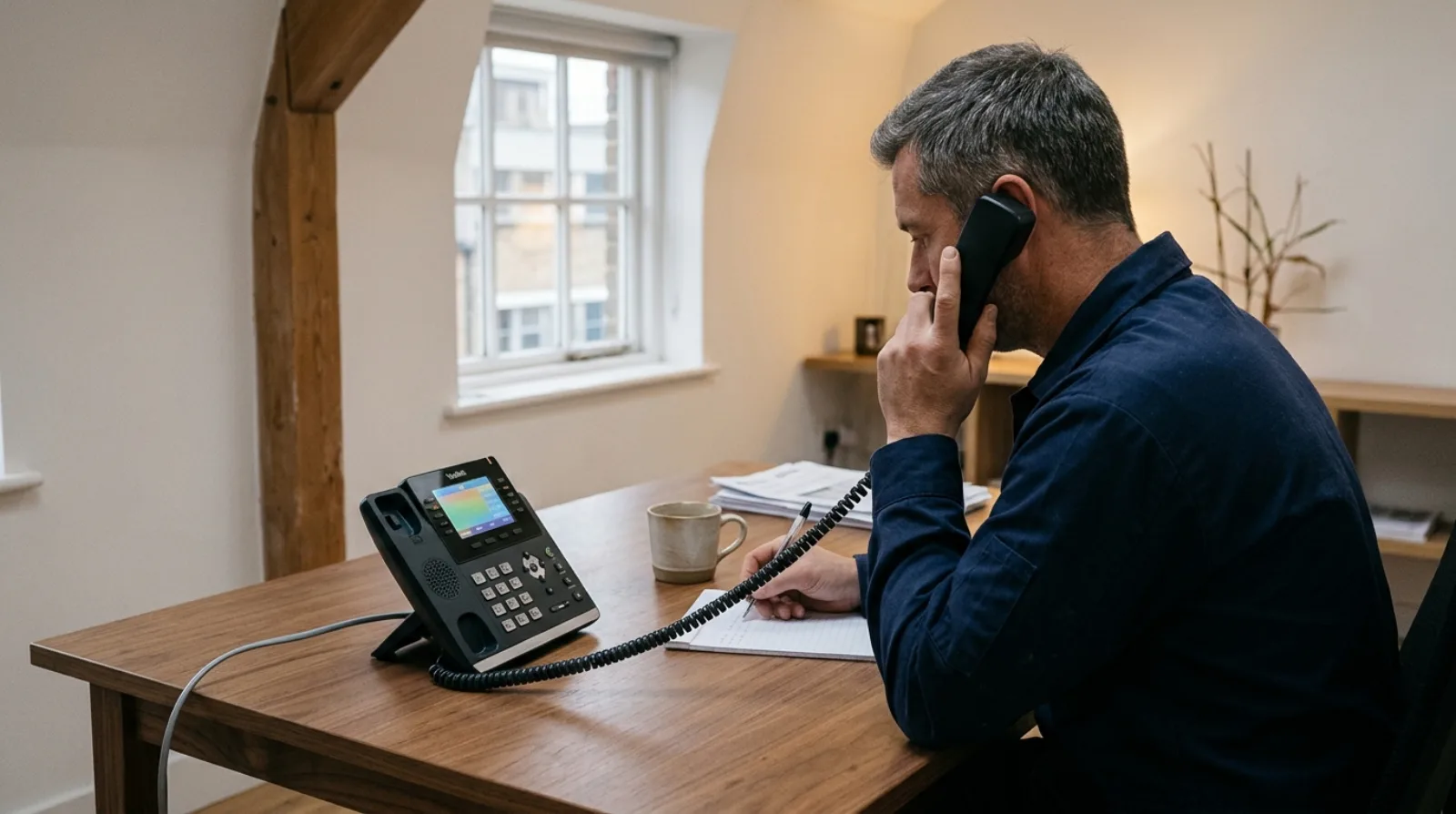
Set up business voicemail so that every number a customer can ring ends in a box owned by a named person, with a greeting that says who they have reached and when someone will ring back, and with new messages sent to that person's email. On Olatti voicemail is on by default, you can record a greeting or upload one, and messages can be sent to email; transcripts and summaries of voicemail come with the Plus and Unlimited plans.
The rest of this piece goes through the choices in the order you meet them, because most of the trouble with voicemail comes from skipping one of them.
Who should own a business voicemail box?
Each box should belong to one named person, even when the number is shared. A message left in a box nobody checks is a lost customer, and "the office" is not a person who checks anything.
For a team of five to ten people, three kinds of box cover nearly everything: one for the main number, one per person for their direct line, and sometimes one for a job such as accounts or bookings. An Olatti admin builds this as a call flow, with a voicemail box as one of the pieces you can drop in, next to a time of day check, an auto attendant, a ring group and a call queue. A draft flow does not affect callers until you press Go live, so you can build it on a quiet afternoon. Ring group or call queue goes through the step before voicemail, which is who rings first.
What should a business voicemail greeting say?
A greeting should give the business name, say that nobody can take the call, and tell the caller what happens next, in about fifteen seconds. I would keep it that short because the caller is waiting for the beep, and the opening hours can live on your website.
A workable script is: the name of the business, "we cannot take your call", "leave your name, your number and what it is about", and "we will ring you back by" followed by a time you will actually keep. Promise the time you can manage on your worst day, and not the one on your best.
When I started circle.cloud in 2015, which installs and supports phone systems for small businesses, I made around 200 cold calls a day to businesses I had never heard of, and each one was a stranger deciding within seconds whether to talk to me.
Olatti lets you record the greeting or upload a file you made elsewhere. If your call flow sends out of hours calls to an announcement first, write that announcement for the hour it plays, so a caller at 7pm hears something that is true at 7pm.
How do voicemail messages reach you?
They can be sent to email, so the message lands where the owner already looks. A phone system that only stores messages inside an app depends on someone opening the app, and a voicemail box nobody opens is the same as no box.
Olatti sends voicemail to email, and a PIN protects voicemail on desk phones. Voicemail transcription and summaries are on Plus and Unlimited, which means you read two lines of what was said before you decide whether to ring back from the car or the desk. On Metered you get the audio and not the transcript.
If you also record calls, the business phone systems that record and transcribe calls guide covers what is stored and what to tell callers.
How long should a phone ring before it goes to voicemail?
Ring long enough that someone at their desk can answer and short enough that a caller does not decide nobody is there. Olatti lets each device ring for 0, 15, 30, 45 or 60 seconds, so a desk phone and a mobile can have different times.
A common starting point is to give the desk phone the longer time and the mobile the shorter one, so the person next to the handset gets the first go. That is a suggestion and not a rule, and your own office may want the opposite. If everyone is out on site, setting a desk phone to ring for 0 seconds and sending straight to the mobile is a legitimate choice.
What happens to calls out of hours?
A time of day check sends calls received outside opening hours to an announcement and then a voicemail box, while calls inside opening hours go to people. Olatti's time of day step supports exceptions, so a bank holiday or a day off for the whole team can be added without rebuilding the flow.
What a five-person UK business needs has a worked example of one main number rolling to a named person's voicemail after closing. Decide on paper who owns the box before you build it, because the build is quick and the argument about who checks it on Monday is not.
How do you stop missed calls and voicemails going unanswered?
Look at the missed call list each morning and give every call a status. Olatti marks every missed call as Missed, Handled, Unreturned or Unresolved, so a call nobody has dealt with stays visible until someone does. Pick one person to open that list at the start of the day and have them ring back anyone who left a message, because a rule such as "ring back within two hours" is one most small teams break within a week.
What does voicemail cost on Olatti?
Voicemail is on by default, and only transcription and summaries depend on the plan. Prices are per user, per month, excluding VAT: Metered is £5 a month on annual billing or £6 monthly, Plus is £17 annually or £20 monthly, and Unlimited is £21 annually or £25 monthly. The pricing page has the current figures, and a 7-day free trial with no card needed includes 100 UK landline minutes and 50 UK mobile minutes.
Frequently asked questions
Is voicemail included in a business phone system? On Olatti, yes. Voicemail is on by default on every plan, with a recorded or uploaded greeting and delivery to email.
Can I get voicemail transcribed? Yes, on Plus and Unlimited. Metered keeps the audio only.
Can I listen to voicemail on a desk phone? Yes, a PIN protects voicemail on the desk phone.
Can I send out of hours calls somewhere else? Yes, a time of day check in the call flow sends them to an announcement and then a voicemail box.
Where to start
Write down every number your customers can ring and the name of the person who owns the box behind each one. When that list is complete, the business phone system page shows how Olatti builds it, and you can Start for free (opens in a new tab).
We'll show you Olatti and tell you if it fits your business
Leave your details and we'll walk you through it in about 45 minutes, on a real UK number. If it isn't right for your team, we'll tell you why.