How long does it take to set up a business phone system in the UK?
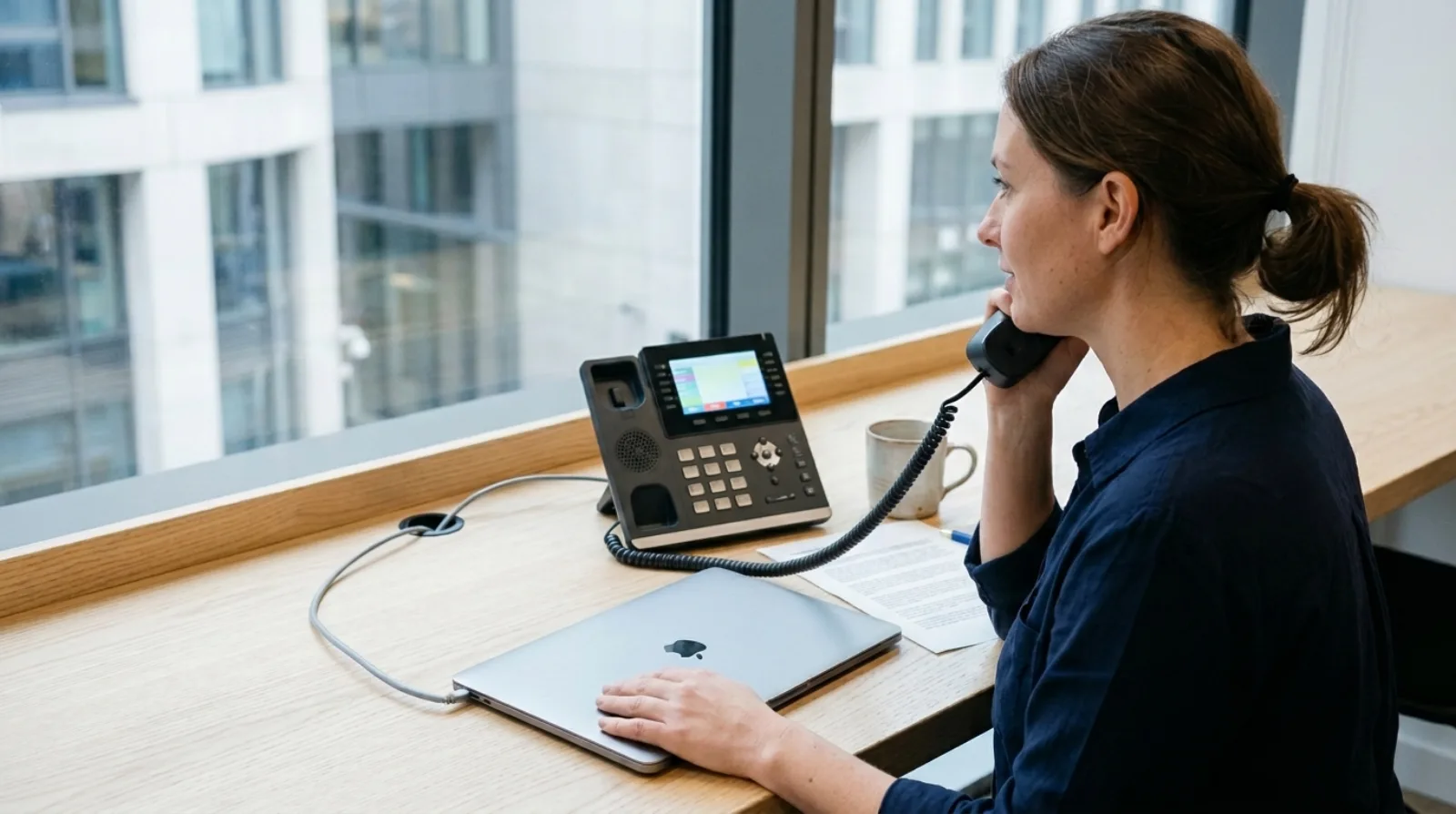
With Olatti, signup to first call is under five minutes on a new UK number. A Yealink desk phone adds a quote, a delivery and a reboot. Moving an existing number is the one step with no fixed timescale.
That is the order to plan in. The rest of this guide gives each step its own answer, so you know what to book first and what to leave until the end.
How long does it take to make the first call?
Under five minutes. You sign up at olatti.com, a new UK number is assigned during signup, and it is live straight away. You can start for free (opens in a new tab) with a 7-day trial, 100 UK landline minutes and 50 UK mobile minutes, and no card.
The number is assigned, not picked from a list. If you need your existing number, that is a separate step, covered below. The desktop and mobile apps are included on every plan, so a laptop and a mobile are all you need for the first call.
How long does a desk phone take?
Quote within one working day, delivery the next working day once you have paid, then three steps to set up. Hardware is ordered by enquiry on the hardware page: there is no payment on the site.
Olatti supports Yealink desk phones only. The T31W is £75, the T73U £100 and the T87W £225, including VAT and delivery. Which to buy is covered in which Yealink desk phone suits a small business.
Setup needs no SIP settings and no config files. You enter the phone's MAC address in Olatti, assign it to a user and reboot it. The phone configures itself and checks for changes daily. A desk phone is optional, so the first call never has to wait for one.
How long does it take to move an existing number?
There is no honest fixed answer, and I won't give you one. Timing depends on the number type, the provider you are leaving, whether the account details match and whether you are moving one number or a range.
What Olatti can tell you is the order of events. You send the numbers through the porting page. Olatti checks the number, provider and account details, may ask for a Letter of Authority, and confirms a date after the request is accepted. Submitting the form does not book a date.
Two rules save the most trouble. Keep the old service running until the move completes, so do not cancel the old service until the move completes. And start the request on day one, since it runs alongside everything else. Ofcom's number portability page (opens in a new tab) sets out the rules UK providers work to. Our guide to keeping your number when you switch covers what to have ready.
How long does call routing take to set up?
How long it takes depends on how many menus and teams you have, and most of it is deciding. Call flows are built visually by an administrator in a browser: time of day, auto attendant, ring group, call queue, voicemail and announcements.
A flow you are still building does not affect callers. Nothing changes for them until you press "Go live". That means you can build the whole opening-hours menu while the old system still takes the live calls.
The work that takes time is deciding, not clicking. Who answers at nine? Where does a call go at lunch? What happens on a bank holiday? Write those three answers on paper before you open the editor.
How long does it take to get a team onto it?
One invite each. People join by accepting an invite, and you are billed only for people who accept and become active. Staff sign in with email and password, Google or Microsoft, and the mobile app can sign in by QR code.
I did the sale, installation, billing and support myself for around 200 deals between 2015 and 2018 at circle.cloud, the UK telecoms company I started in 2015 that installs and supports phone systems for small businesses. Those installs taught me that a system is only set up once each person's own phone does what they expect. With Olatti, that starts with a login and an app on a device they already carry.
What should you test before you tell customers?
Make a call in each direction on every device, then ring the number from a mobile that is not on the account. Check that it rings the right people, that the menu plays, and that voicemail arrives where you expect it.
Check emergency calls separately. Calls to 999 and 112 over Olatti depend on power and a working internet connection, and the operator receives the registered address for the number, which you must keep current. Keep a mobile as a fallback. Our guide to calling 999 from a business VoIP phone has the detail.
What is the realistic timeline?
For a team of five to ten with desk phones and one number to move, plan it like this:
- Day 1: sign up, invite the team, send the porting request, ask for a desk phone quote.
- Day 2 at the latest: the quote arrives; pay it. The phones arrive the next working day.
- While you wait: build the call flows and test them while the old system still takes calls.
- When the port is confirmed: the date comes from the porting check, not from you. Test again on the day, then cancel the old service.
Without desk phones or a number to move, you can be taking calls the same day.
Frequently asked questions
Can I set up a business phone system in a day? Yes, if you use the apps and a new number. The first call takes under five minutes and you can build your call flows while you test. A desk phone or a port adds waiting time you don't control.
Do I need an engineer? The desk phone configures itself from its MAC address, with no SIP settings or config files, and call flows are built in a browser by an administrator.
Do I have to move my number on day one? No. You can start on a new number and move the old one when the port is accepted. Just don't cancel the old provider first.
Does setup cost anything? A desk phone is the only hardware cost. Porting costs £20 per number when the request is raised, then £5 a month per ported number, excluding VAT, on top of your plan. Plans are on the pricing page.
Where that leaves you
The business phone system page shows what is included, and you can start for free (opens in a new tab) and make the first call today.