Can I move a live business call between my laptop, mobile and desk phone?
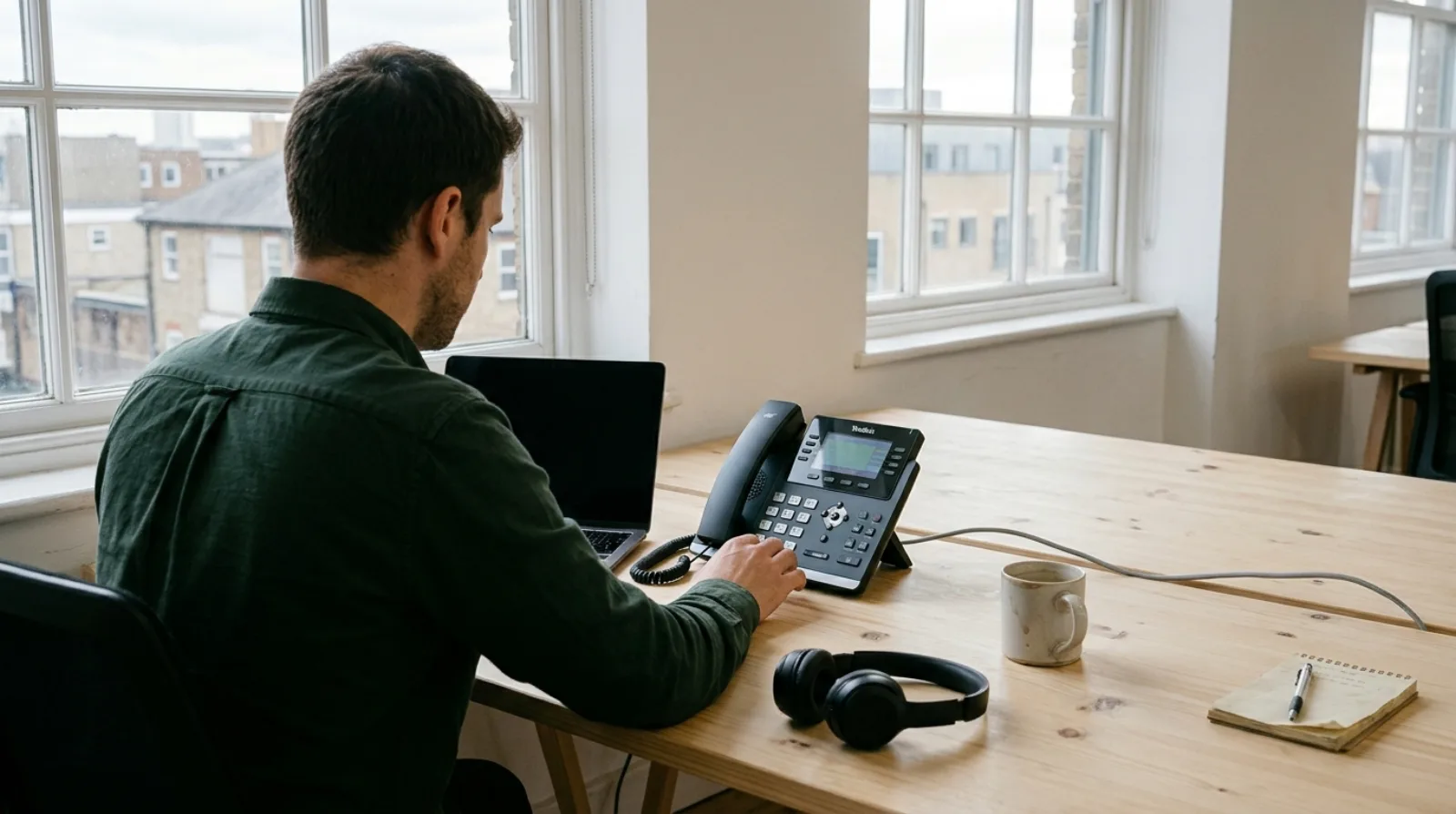
Yes. On Olatti you can move a live business call from your laptop to your mobile or to a desk phone mid-conversation. The call leaves the first device only once the second has answered, and the person on the other end doesn't notice. It works because the laptop app, the mobile apps and Yealink desk phones all sit on the same account and the same UK number.
This page is about that handover and about choosing which device rings. If you want to know what a laptop phone is or whether a team can drop desk phones, what is a softphone and running a business phone without desk phones cover it.
How do I switch a live call to another device?
Use the switch device control during the call, and pick the device you want to carry on with. Olatti rings that device, and when you answer it the call moves across. Until then the call stays on the first device.
The typical use is a call that starts at your laptop and needs to carry on while you walk to a car or a meeting room. The same control moves a call from a mobile back to a laptop or a desk phone when you sit down.
What else can I do during a laptop call?
The call controls are the same whichever device you are on. In the desktop app you can mute, put the caller on hold with music on hold, open the keypad, add a third person, start a new call, transfer to a colleague or an outside number, and park the call. On Plus and Unlimited you can also pause and resume recording, which helps when someone reads out card details.
The desktop app is also where the summon key lives. Double-tap it from anywhere on the laptop, type a name, then press Enter to call or Shift-Enter to message. The web and mobile apps can't be summoned from other apps, so install the desktop app if you want that route.
Which devices ring when someone calls my number?
All the devices you are signed in on can ring, and you choose how long each one rings. Each device can ring for 0, 15, 30, 45 or 60 seconds, and you can set a divert for always, when offline or when busy. Setting the laptop to ring at once and the mobile after 15 seconds is one way to set it: the laptop gets the first go, the mobile catches what you missed.
Call waiting is on by default, so a second caller during a call is offered to you rather than lost.
What do I need to start taking calls on a laptop?
You need an Olatti account, the Mac or Windows app or the web app, and a headset. Sign-in is with email and password, Google or Microsoft, and the mobile app can sign in with a QR code from the desktop. The web app at app.olatti.com needs nothing installed and runs in current Chrome, Edge, Safari or Firefox.
A laptop's speakers and microphone in a shared room turn every call into a broadcast, so budget for a headset per person.
Does it work with a desk phone on the same account?
Yes. Olatti sells Yealink desk phones, and a call can move between one and your laptop in the same way as it moves to a mobile. You add one by entering the phone's MAC address in Olatti, assigning it to a user and rebooting it. The T31W is £75 including VAT, and the other models are on the hardware page.
I started in telecoms in 2012 at a firm that sold on-premise phone systems to small businesses, and those boxes ended up under desks because the office had nowhere else for them. A handover like this is the reason I think the handset and the laptop shouldn't be a choice between two systems.
Common questions
Does the person I'm calling see anything change? No. The call carries on from the second device.
Do I need a separate number for each device? No. They share the one number on your account.
Is a laptop call recorded like any other? Every plan includes call recording, and on Plus and Unlimited recordings are transcribed and summarised. Which business phone systems record and transcribe calls covers the law as well.
What if the laptop loses its connection? Nothing can ring on it, so a second device matters. What happens to business calls when the internet goes down lists the fallbacks.
Can I try this before I move the team? Yes. The free trial lasts 7 days and includes 100 UK landline minutes and 50 UK mobile minutes, with no card needed. See pricing.
For what Olatti does overall, see the business phone system page.
We'll show you Olatti and tell you if it fits your business
Leave your details and we'll walk you through it in about 45 minutes, on a real UK number. If it isn't right for your team, we'll tell you why.