Can you keep your old office phones when you move to VoIP?
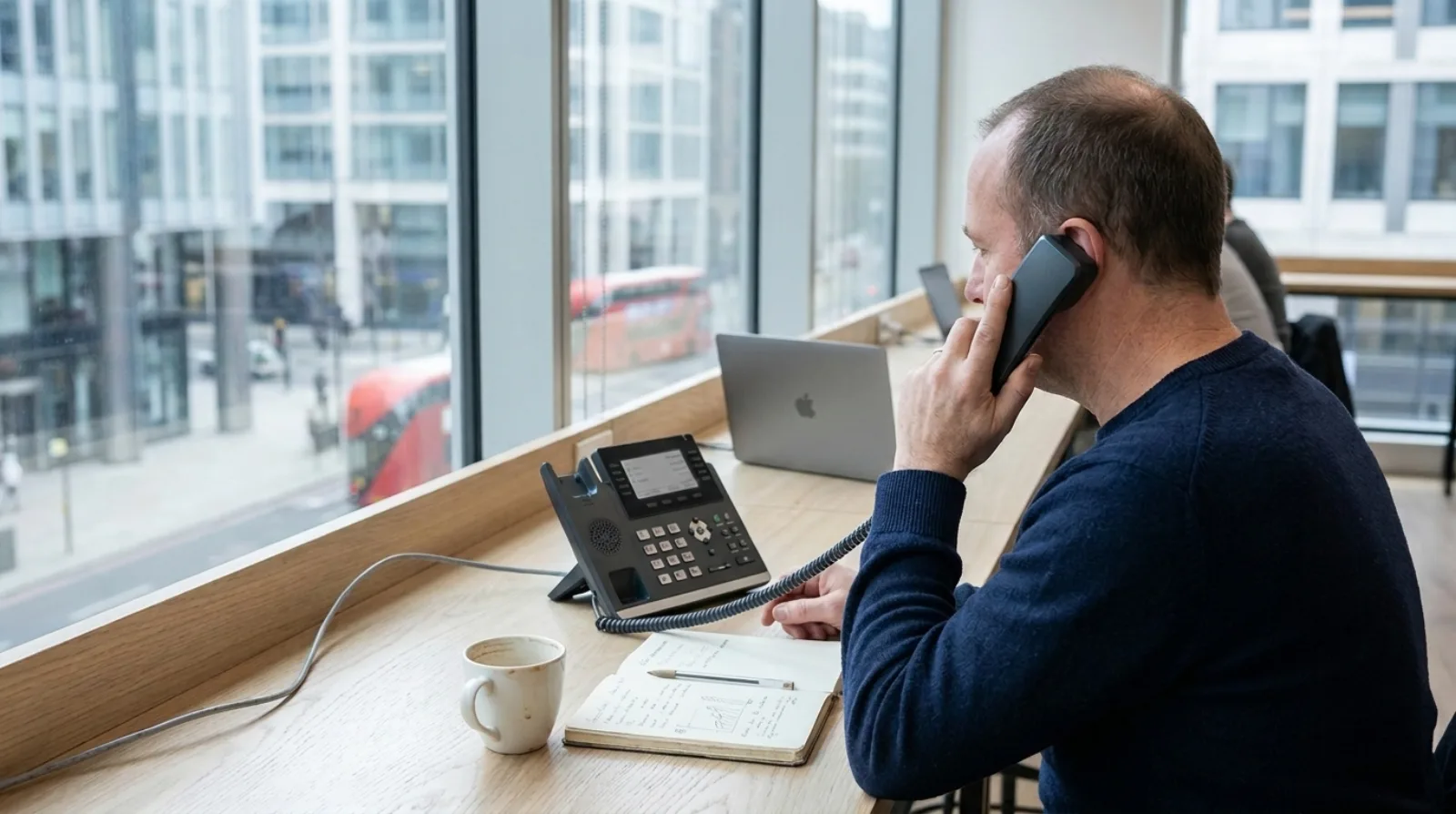
Not with Olatti, unless they are Yealink models we support. An old analogue or ISDN handset was built to take its line from a copper socket, so on its own it cannot talk to an internet phone service: it needs an adapter or a router with a phone port, or it gets replaced. Olatti supports Yealink desk phones only, so a handset from another maker is not supported.
The deadline makes this worth settling now. Openreach says (opens in a new tab) that on 31 January 2027 all traditional phone lines will need to move to a digital service, and that some equipment may need upgrading or reconfiguring to work with one.
Why won't an old office phone just plug in?
Because the phone and the line are no longer the same thing. A traditional phone expects dial tone from a wall socket. An internet phone service sends calls over your broadband instead, so a handset needs either to speak that language itself or to be translated for.
Openreach's advice is to check all equipment, services and wiring connected to your phone line, and to confirm with your equipment supplier and service provider that each item works with a digital line. Nothing about that is specific to us.
I started in business telecoms in 2012, at a firm that sold on-premise phone systems to dentist surgeries, car garages and solicitors. Those businesses had no comms room, so the box ended up under a desk or on the wall by the toilet. The handsets on the desks were chosen to suit that box. When the box goes, the handsets are the part nobody remembers belonged to it.

What are your options for the handsets you already have?
There are three, and the right one depends on how many handsets you have and what they do.
- Plug them into an adapter. An analogue telephone adapter turns a plain analogue handset into something an internet service can use. Some business routers have a phone port that does the same job. This keeps the old handset, but it keeps its limits too: no colour screen, no synced favourites.
- Replace them with IP desk phones. An IP phone connects to the network directly and takes its settings from the service.
- Drop the handset for some people. Not everyone needs a phone on the desk. A laptop and a mobile app can take the calls for people who are rarely at one place.
If you go the adapter route, ask your new provider in writing whether they support it.
Can you use your old phones with Olatti?
No, not unless they are Yealink models that Olatti supports. Olatti is a business phone for UK teams, and every supported desk phone is made by Yealink. A phone from another maker is not supported.
If you already own Yealink phones, check with us before assuming they are the right ones. Get in touch with the model and we will say. Do not buy anything on a guess.
What Olatti sells today, with indicative prices including VAT and free next-working-day UK delivery: the Yealink T31W at £75, the T73U at £100, the T87W at £225 and the flagship T88W Pro at £399. The hardware page has the full list, and our guide to which Yealink desk phone suits a small business explains how to pick.
Do you need a desk phone at all?
No. The desktop and mobile apps come with every plan, and a desk phone is optional. If half your team sits at a laptop all day, they can take calls there and keep the same number.
Handsets earn their place on the desks where someone answers calls all day, such as reception. Giving one to everybody because everybody had one before is a habit, not a requirement.
How does a new desk phone get set up?
You enter the phone's MAC address in Olatti, assign the phone to a user, and reboot it. The phone then configures itself and re-syncs daily. There are no SIP settings to type in and no config files to host.
The phone carries its user's number and caller ID, so the same number also rings in the apps. Calls taken on the desk phone are recorded and transcribed like any other, with transcription on the Plus and Unlimited plans.
What does it cost to replace the handsets?
On Olatti, the Unlimited plan on annual billing includes one free Yealink T31W desk phone per user. Unlimited is £21 per user per month on annual billing, excluding VAT. On the other plans you buy handsets separately at the prices above.
If you close your account, desk phones bought from Olatti stay yours. The pricing page has the plans in full.
What else is plugged into that old line?
Before you plan the handsets, check what else dials out over the same copper line. Alarms, lift phones, card machines and CCTV links often dial out over the same copper line, and Openreach tells businesses to confirm each one works with a digital line. The PSTN switch-off checklist walks through that in order.
Common questions
Can I use my old analogue phone with VoIP? Only with an adapter or a router that has a phone port, and only if your provider supports that set-up. Ask before you rely on it.
Does Olatti work with phones from other makers? No. Olatti supports Yealink hardware only.
Do I have to buy desk phones to use Olatti? No. The desktop and mobile apps are included on every plan, and a desk phone is optional.
What is the deadline for replacing analogue lines? Openreach says all traditional phone lines need to move to a digital service on 31 January 2027.
Where do I start? The business phone system page explains what Olatti does for a UK team, and you can start for free (opens in a new tab) and add a handset once you have seen it work on your own calls.