Choosing a business phone system for a 20-person UK company
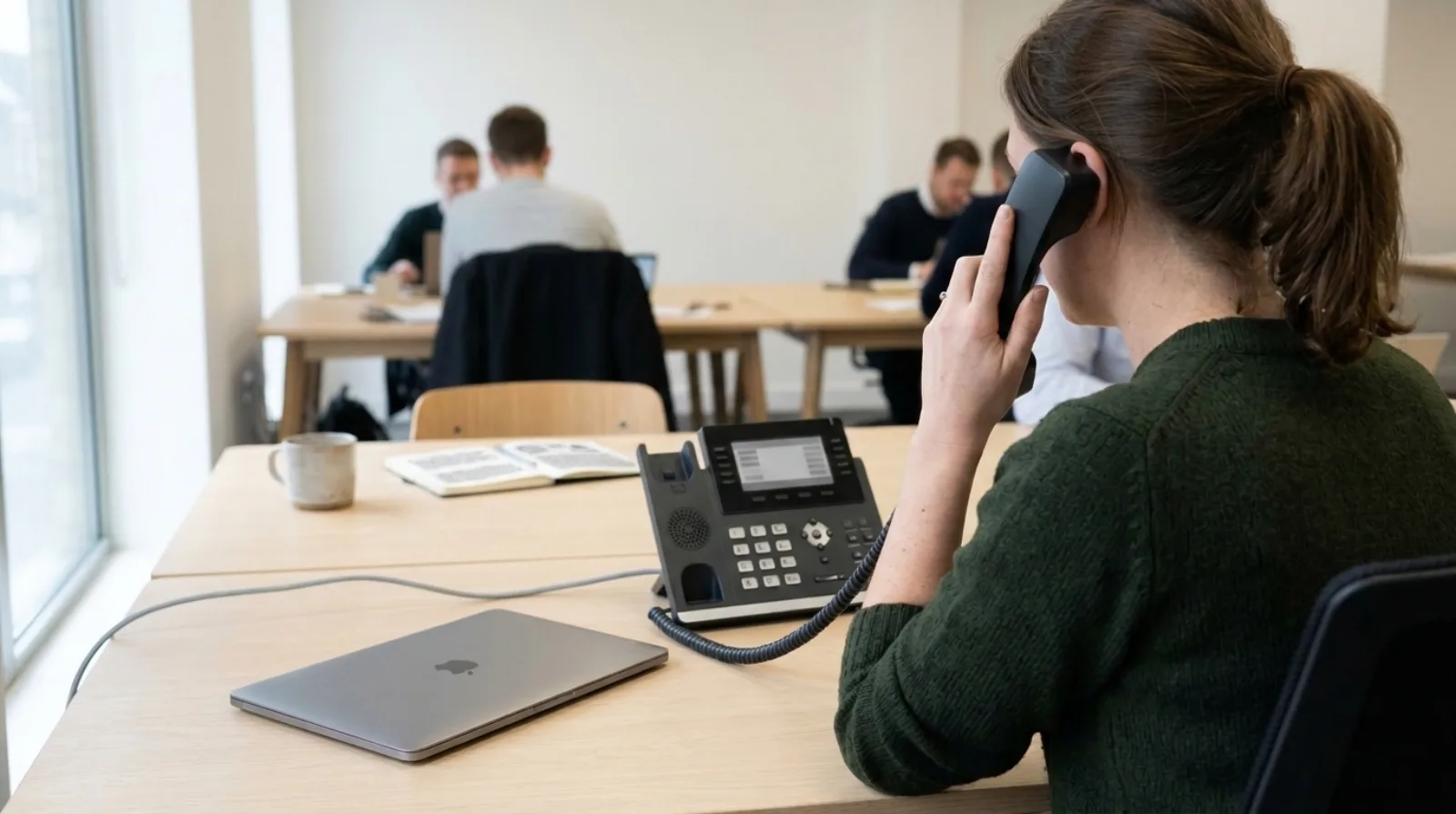
A 20-person UK company should pick a business phone system by working out three things first: how many of the 20 spend the day on calls, who needs a desk phone, and what the monthly bill is for 20 users, not for one. On Olatti, 20 users cost between £100 and £500 a month excluding VAT, depending on the plan and billing period.
Between 2015 and 2018 I closed around 200 deals myself at circle.cloud, the UK telecoms company I started in 2015 that installs and supports phone systems for small businesses. I did the sale, the installation, the billing and the support for each one. The mistake is easy to make at this size: the guess is made for one person and the bill arrives for twenty.
How much does a business phone system cost for 20 users?
On Olatti, 20 users cost £100 to £500 a month excluding VAT. The price is per user, so the total is the per-user figure multiplied by 20.
Here are the totals, from the pricing page, excluding VAT:
- Metered: £120 a month on monthly billing, or £100 a month on annual billing (£1,200 a year). Every outbound call to a UK landline or mobile is charged from prepaid credit; inbound calls are not.
- Plus: £400 a month on monthly billing, or £340 a month on annual billing (£4,080 a year). It adds an inclusive call allowance, 12 months of call recording storage, and transcription and summaries of recorded calls.
- Unlimited: £500 a month on monthly billing, or £420 a month on annual billing (£5,040 a year). It covers UK landline and mobile calls under fair use and keeps recordings for three years.
The first 100 UK teams get 30% off the subscription for as long as they stay. Porting an existing number is £20 once per number, then £5 a month per ported number. Our longer piece on what a UK business phone system costs covers the other lines on a quote.
Which of the 20 people actually need a desk phone?
In a 20-person company, the people who answer calls for the company all day, such as reception, an office manager or a sales desk, are the ones who most need a desk phone. Everyone else can use the desktop or mobile app on the same number. A desk phone is optional on Olatti, and the apps come with every plan.
Walk the office and count by role, not by seat. Mark each person as one of three: on the phone most of the day, on it a few times a day, or almost never. The first group gets a desk phone if they like one. The other two usually don't need one.
If you do buy handsets, every one Olatti supports is a Yealink. The T31W is listed at £75 including VAT, and the Yealink guide for a small business explains the other models. On annual Unlimited billing, each user gets one free T31W. Hardware is ordered by enquiry, and there are more details on the hardware page.
Does one main number work for 20 people?
One main number works for the front door of a 20-person company, ringing a group. For the people behind it, direct numbers let a client reach the person they already know, but check the cost first: every Olatti plan includes one UK number and extra numbers are an add-on, billed monthly.
I'd decide this before anything else, because it shapes who answers what. Our answer on a shared number or individual numbers sets out when each fits. Calls between users on the same account are free.
If the company already has a number it wants to keep, that is a porting job with its own checks, covered in keeping your number when you switch. Don't cancel the old service until the port has completed.
What should the first week look like?
Set up the people and the routing first, and move the number last. Trying the new system on real calls while the old one still works costs nothing and shows you what is missing.
- Start a trial. Olatti's is 7 days, with 100 UK landline minutes and 50 UK mobile minutes, and no card.
- Invite a small group first: reception, one person from each team, and whoever handles IT.
- Draw the call flow on paper before you build it: who answers, and where a call goes if nobody does. Our guide to how long setup takes shows how long each step tends to take.
- Make test calls in and out, including one to a mobile.
- Move the number across only when the group is happy.
What does a 20-person company need to check beyond price?
Check where recordings go, whether you can leave, and what happens if the internet drops. Those three cost the most to find out about late.
- Recording. Calls are recorded on every Olatti plan, and how long they are kept depends on the plan. If your staff take calls from clients, read the UK law on recording business calls.
- Contract. Olatti has no long contract. Cancellation takes effect at the end of the billing period, and you have 30 days to export content and port numbers out. See contract length on a business phone system.
- Outages. Cloud calling depends on your internet connection, so decide beforehand where calls go if it fails. We cover that in what happens when the internet goes down.
- Emergency calls. Read whether you can call 999 on a business VoIP phone before the switch, not after.

Frequently asked questions
How much is a business phone system for 20 people in the UK? On Olatti it is £100 to £500 a month excluding VAT, from Metered on annual billing to Unlimited on monthly billing. Other providers price differently, so ask for subscription, call charges, hardware and minimum term in one quote.
Does every one of the 20 need a desk phone? No. A desk phone is optional, and the desktop and mobile apps work on the same number. Give desk phones to the people who spend most of the day on calls.
Can we keep our existing number? Often, yes. Porting an existing number to Olatti starts with an enquiry on the porting page, and the date is confirmed only after the request is accepted.
Is there a trial? Yes. It lasts 7 days, includes 100 UK landline minutes and 50 UK mobile minutes, and needs no card.
Where that leaves you
Count the people on the phone, price the 20 seats, and test with a small group before you move the number. The business phone system page shows what Olatti includes, and you can try Olatti free (opens in a new tab).
Tell us how your team takes calls today
Someone on our sales team will read it and reply, either answering your question or offering to set your account up with you.