Business phone system features: what a UK small team needs
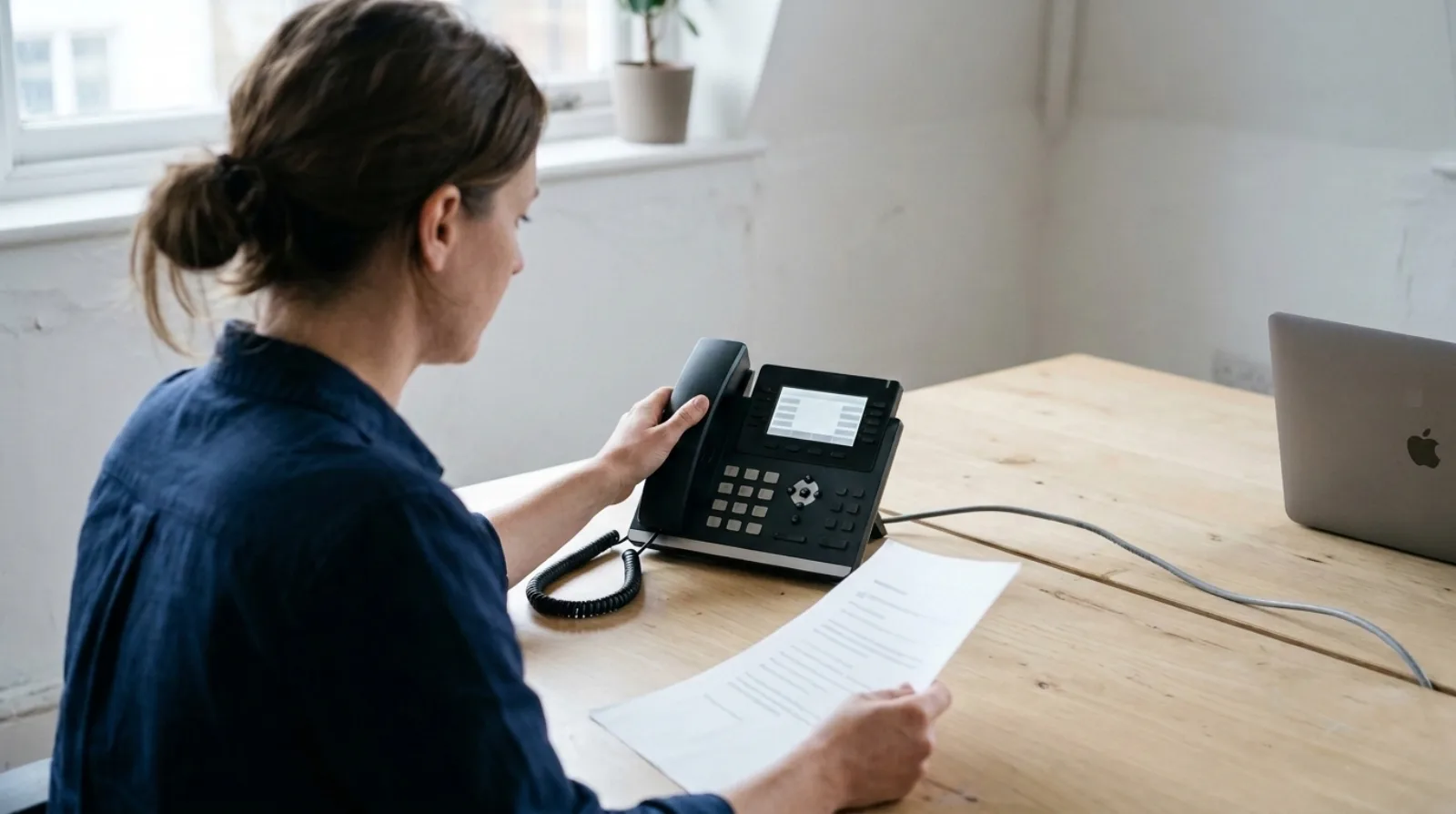
A small UK team needs six things from a business phone system: a real UK number, call routing you can change yourself, voicemail, call recording, calling from a laptop or mobile as well as a desk phone, and a clear answer on emergency calls. Most other features on a quote are extras, and some you'll never switch on.
That list comes from watching systems get bought. I have sold and installed business phone systems in the UK since 2012, first as on-premise boxes for dentists, garages and solicitors, then as cloud systems. Olatti is what we built after years of selling other people's systems at circle.cloud, the UK telecoms company I started in 2015 that installs and supports phone systems for small businesses, so the features below are described as Olatti has them.
What does a business phone system need to do?
It needs to answer a call on your number and put it in front of the right person, wherever they are. Everything else is detail on top of that.
Six features cover that job for a small team:
- A UK number that belongs to the business.
- Call routing: who rings, in what order, and what happens out of hours.
- Voicemail that reaches you.
- Call recording, if you ever need to check what was said.
- Calling from a desktop app, a mobile app or a desk phone.
- A known position on 999 and 112 calls.
The sections below take them in turn.
Do I need a UK number, or is any number fine?
You need a number your customers recognise and will still reach in five years. Every Olatti plan includes one UK phone number, and extra numbers are an add-on. The digits can move with you: porting out of Olatti is free, and the porting page covers moving a number in. Our guide to keeping your number when you switch lists what to check first.
If you are weighing 01, 02, 03 and 07 numbers, UK business phone numbers explained sets out the differences.
How should call routing work for a small team?
Routing should be something an administrator draws and changes in a browser, without calling an engineer. In Olatti the admin builds call flows visually. The pieces are time of day (with exceptions), an auto attendant, a ring group that rings everyone or one person at a time, a call queue, a named colleague, a voicemail box, an announcement, call forwarding and a conference.
A flow stays a draft until you press "Go live", so you can build the bank holiday version on a Tuesday afternoon and callers hear nothing different until you choose.
Each person also decides which of their devices ring. A device can ring for 0, 15, 30, 45 or 60 seconds, and calls can divert always, when the device is offline or when it is busy. Draw the flow on paper before you build it, with one box for opening hours, one for the ring group and one for out of hours.
What should voicemail do?
It should be on by default and it should find you. In Olatti, voicemail is on from the start, you can record or upload a greeting, and messages can go to your email. A desk phone has a PIN for listening to messages. On the Plus and Unlimited plans, voicemails are also transcribed and summarised, so you can read a message instead of listening to it.
Do I need call recording?
Only if you will ever need to say what was agreed on a call, which is true of most businesses that take orders, bookings or instructions by phone. An admin switches recording on for the account, and from then on calls in and out are recorded automatically. Users can pause and resume recording on Plus and Unlimited.
How long recordings are kept depends on the plan:
- Metered: 1 month.
- Plus: 12 months.
- Unlimited: 3 years.
After that they are deleted. On Plus and Unlimited, transcripts and summaries arrive shortly after the call, and you can search call history by what was said and jump to that moment. The law on telling people they are being recorded is separate, and recording business calls: the UK law covers it.
Should the team use a desk phone, an app, or both?
Both is a normal answer. A desk phone is optional on Olatti, and the desktop and mobile apps are included on every plan. The apps run on Mac, Windows, iPhone, Android and in a browser at app.olatti.com. The only desk phones supported are Yealink. You can move a live call between desktop, mobile and desk phone: the call leaves the first device only once the second has answered.
During a call you get mute, hold with music on hold, transfer to a colleague or an outside number, three-way calling and park. If you are choosing hardware, which Yealink desk phone suits a small business compares the models. If you are not, a business phone without desk phones answers that directly.
What about 999 calls?
Check this one before you sign anything, because a phone that runs over the internet depends on the internet. Under Olatti's terms, 999 and 112 calls depend on power and a working connection, so keep an alternative such as a mobile. The emergency operator receives the registered address for the number, and you must keep it current. The full explanation is in can you call 999 on a business VoIP phone.
Which features can I leave off the list?
Leave off anything you cannot picture a person using on a Tuesday. Call monitoring, where a manager listens, whispers or barges in on a call, is off in Olatti until an admin enables it, and permission is set person by person. Live dashboards that cast to a TV suit a team working a queue, and not a studio of six. Ask a provider for the feature list, then cross out every line nobody on your team could describe using.
Frequently asked questions
What is the difference between a business phone and a business phone system? The phone is the handset or app in someone's hand. The system is the part that holds the number, the routing and the recordings behind it.
How many features does a small business need? Six cover most teams: a UK number, call routing, voicemail, call recording, apps or desk phones, and a clear emergency calls position.
Do business phone systems record calls automatically? Olatti does once an admin switches recording on for the account. Storage is 1 month on Metered, 12 months on Plus and 3 years on Unlimited.
Can I use my mobile as a business phone? Yes. The Olatti mobile app is included on every plan and uses the same number and call history as the desktop app. See one business number across a desk phone and a mobile.
Where that leaves you
Write your own six on a sheet, then hold any quote up to it. The business phone system page shows how Olatti covers each one, and the pricing page shows what is on which plan. When you want to hear it ring, you can start for free (opens in a new tab).