How much broadband does a business phone system need?
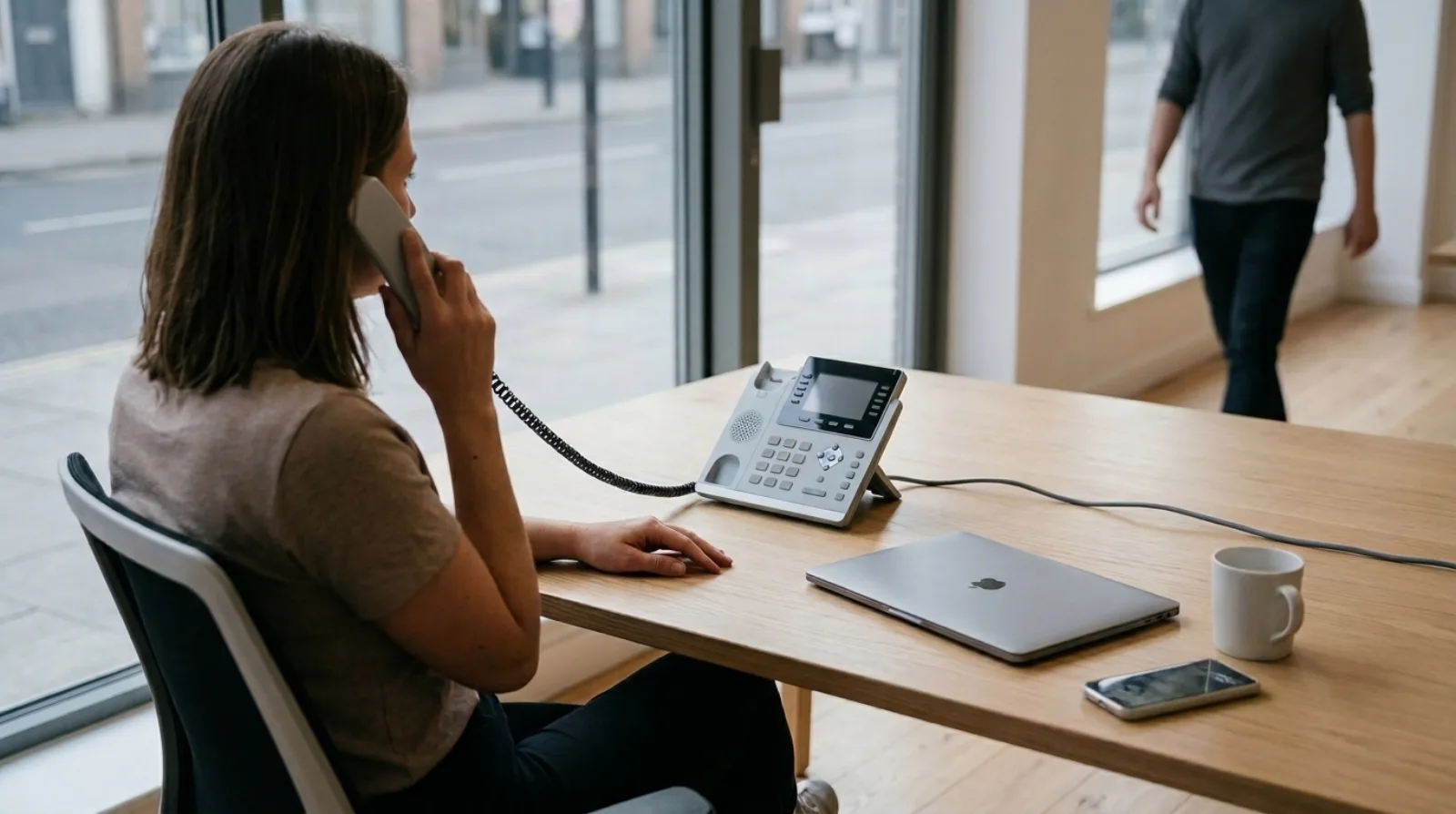
A single business phone call over the internet uses about 87 kbps in each direction on the standard G.711 codec, and about 31 kbps on the compressed G.729 codec, so ten calls at the same moment need less than 1 Mbps of upload and download on G.711. Almost every UK business broadband line carries that without trouble. What breaks calls in a small office is a congested line, a weak Wi-Fi signal or a router that treats a video meeting and a phone call as equals, and raw speed is rarely the cause.
Those figures come from Cisco's per-call bandwidth note (opens in a new tab), which adds the voice payload to the IP, UDP and RTP headers and the Ethernet header, at 50 packets a second. I'm using Cisco's arithmetic because it shows its working, and you can check it with a calculator.
I installed and supported the systems from the roughly 200 deals I closed myself between 2015 and 2018, so I'd rather give you the sums than a promise that your line will be fine.
How much bandwidth does one VoIP call use?
One call on G.711 uses 87.2 kbps each way on Ethernet, and one call on G.729 uses 31.2 kbps each way. Cisco builds the first figure from a 160-byte voice payload, 40 bytes of IP, UDP and RTP headers and 18 bytes of Ethernet header, sent 50 times a second.
The two codecs trade quality for size. G.711 is uncompressed telephone-grade audio and the usual choice on a business line with spare capacity. G.729 squeezes the voice payload to an eighth of the size, which brings one call down to 31.2 kbps once the headers are added, and that matters on a mobile connection or a very thin line. Your provider decides which codecs a call can use, so ask which one your calls will negotiate if the number matters to you. I'm not quoting one for Olatti here, because it isn't a figure I can verify from the product facts.
How many calls can a small office run at once?
Multiply the number of simultaneous calls by 87.2 kbps to be safe. Here are three examples using the G.711 figure:
- 5 calls at once: 436 kbps each way, so about 0.44 Mbps.
- 10 calls at once: 872 kbps each way, so about 0.87 Mbps.
- 20 calls at once: 1,744 kbps each way, so about 1.7 Mbps.
The number that matters is how many people are on the phone together, and that is nearly always lower than headcount. A 20-person team where six people are on calls at the busiest moment needs about 0.5 Mbps in each direction for them. If you want the staffing side of that sum, how to size a phone system for a 20-person company goes through it.
Upload is the figure to check on a broadband line, because on most UK connections it is the smaller of the two. A line that advertises a download speed in the hundreds of megabits can still have an upload speed in the tens, and that is the number your outgoing voice shares with everything else leaving the building.
Why do calls still sound bad on a fast connection?
Because voice cares about delay and gaps, and not about total speed. A call is a steady stream of 50 small packets a second, and if a handful arrive late or not at all, you hear a clipped word or a robotic stretch, even though the line has plenty of capacity.
The ITU's G.114 recommendation (opens in a new tab) sets 150 milliseconds of one-way delay as the figure up to which most applications, including conversation, stay comfortable. A busy line pushes delay past that when a large upload fills the queue in front of your call. These are the usual causes in a small office, roughly in the order I'd check them:
- Wi-Fi on the desk phone or laptop. Plug a desk phone into the network with a cable, and put laptops that take a lot of calls on a cable when you can.
- A large upload at the same moment. A cloud backup or a big file sent to a client takes the upload line and leaves the call waiting behind it.
- Video meetings on a thin line. Video uses far more than voice, so a few meetings can crowd out the calls beside them.
- An old router. Some cheap routers cope badly with many small packets a second, and the fix is a better router.
Do you need a separate line for the phone system?
No, for a small team a shared business broadband line is enough, provided the upload isn't being saturated by something else. A second line makes sense when the office can't afford a dead phone, which is a resilience decision more than a bandwidth one. What happens to business calls when the internet goes down covers the backup options, including the mobile app.
Olatti's desk phones are all Yealink, and the desktop and mobile apps work on the same number. A desk phone takes its settings by zero-touch provisioning: you enter its MAC address in Olatti, assign it to a person and reboot it, and it configures itself. You can see the models on the hardware page, and the broader picture of how a cloud phone system compares with a landline is in VoIP vs landline for UK business.
How do you test your line before you switch?
Run a speed test during a busy working hour and write down the upload figure, then subtract what the office already uses at that moment. If what is left is well above the sum from the section above, you have room. Ask your provider whether the line has a fault history, because a line that drops out is a bigger risk to calls than one that is slow.
A trial is the most direct test. Olatti's free trial gives you a new UK number during signup, so you can call it from your own mobile and listen to the result over your own line. Moving the number you already have is a separate step that Olatti raises as a port once you've asked, so don't cancel your current provider until it completes.
Frequently asked questions
How much bandwidth do I need per phone? Plan on 87.2 kbps each way for each simultaneous call on G.711, and 31.2 kbps on G.729, using Cisco's Ethernet figures.
Is 10 Mbps upload enough for a 20-person office? For voice alone, yes, since 20 simultaneous calls on G.711 use about 1.7 Mbps. The rest of the capacity is for everything else that uploads at the same time, so check what else the office sends.
Does a desk phone use more bandwidth than the app? The figures above are per call, and they depend on the codec and not on the device. Wi-Fi on the device adds the risk of delay and lost packets, which is why a cabled desk phone is the safer choice.
Will my calls stop if the internet drops? Calls over the broadband line will, which is why the mobile app is a useful fallback. The article linked above on internet outages lists the options.
Where do I start? The business phone system page shows what Olatti does and what it costs, and you can start for free (opens in a new tab) and make a test call from your own mobile.
Check the upload line first
Before you blame the phone system for a bad call, I'd look at the upload line and the Wi-Fi first, since both are cheap to fix and neither needs a new system. The sum is short: simultaneous calls times 87.2 kbps, against the upload you really have spare.
Tell us how your team takes calls today
Someone on our sales team will read it and reply, either answering your question or offering to set your account up with you.