What is a PBX, and do you still need one in the UK?
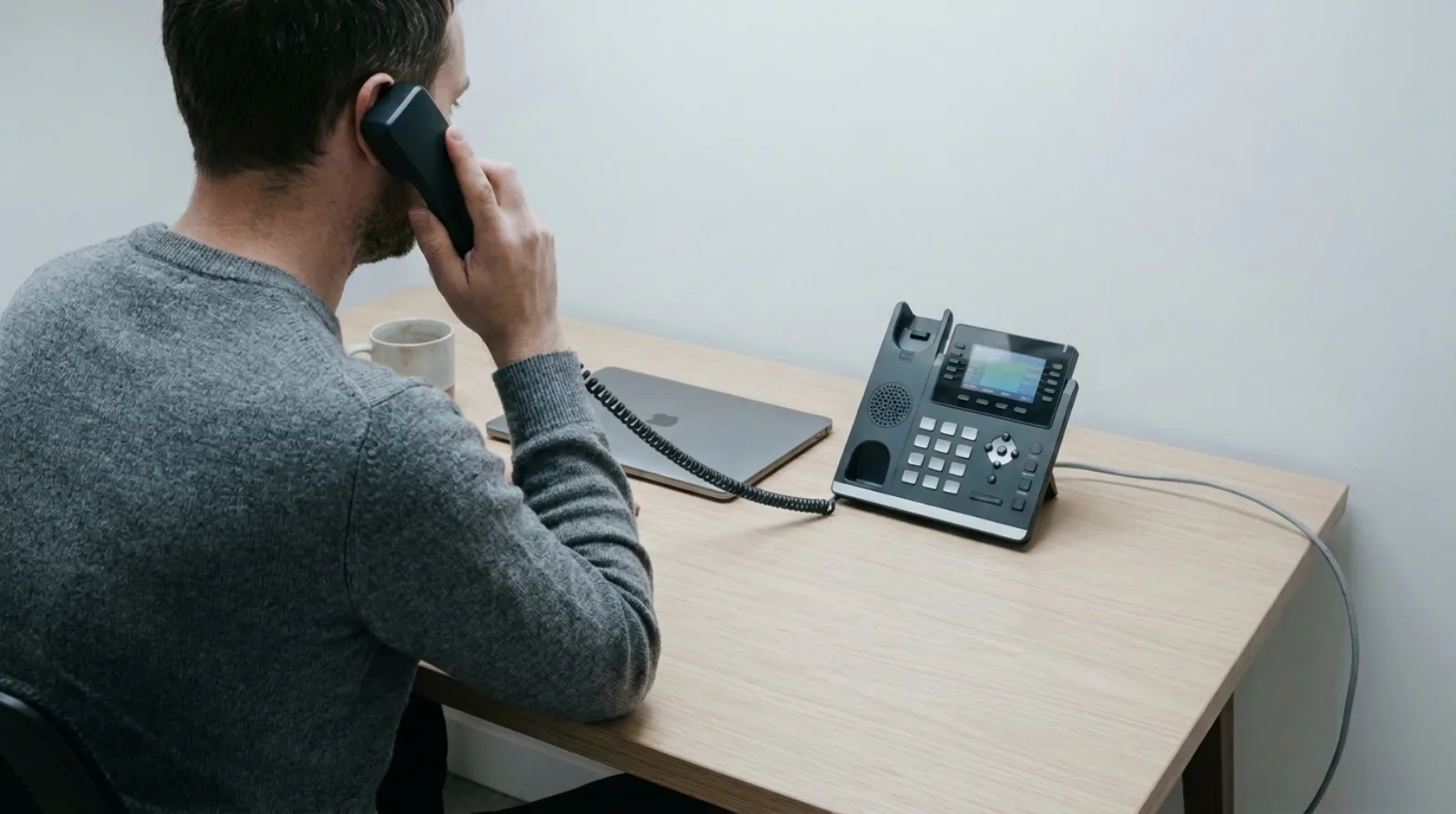
A PBX, short for private branch exchange, is the system that answers a business's calls and sends them to the right desk, extension or voicemail. Most small UK businesses no longer need one on their premises. A cloud phone system does the same job from the provider's servers, over your broadband, with no box in a cupboard.
That's the short version. The rest of this guide covers what a PBX actually does, the three ways to get one in 2026, and how to tell which your business needs.
What does a PBX do?
A PBX connects your outside phone lines to your own extensions and decides where each call goes. It is the part of a business telephone system that holds the rules.
In practice that means four jobs:
- Share a few outside lines between many handsets, so ten people don't need ten separate phone lines.
- Give each person an extension, so colleagues can call each other without dialling out.
- Route incoming calls: ring a group, play a menu, send a call to voicemail out of hours.
- Hold the extras: voicemail, call transfer, call recording, a directory.
Everything else you hear about, from auto attendants to ring groups, is a setting inside that box.
What are the three kinds of PBX?
There are three: an on-premise PBX, a hosted PBX and a cloud phone system. The difference is where the call-handling software runs and who looks after it.
- On-premise PBX. A physical unit in your building, wired to the phones. You own or lease it, and an engineer visits to change anything.
- Hosted PBX. The same kind of system, run in a data centre by a provider, with your phones connecting to it over the internet. 3CX offered as a hosted service is one example.
- Cloud phone system. Software built to run online from the start. Staff use an app on a laptop or mobile, or a desk phone, and an administrator changes the settings in a browser. Olatti is this kind.
The line between the last two can blur. The practical test is simple: ask who changes the opening hours when a bank holiday comes up, and how long it takes.
Why did small businesses end up with a PBX in a cupboard?
Because for decades it was the only way to get extensions, and because it was profitable to sell. My first telecoms job, in 2012, was at a local firm that sold on-premise PBX systems to dentist surgeries, car garages and solicitors. Those businesses had no comms room, so the box ended up under a desk or on the wall by the toilet. Leasing companies liked hardware, since more kit meant more finance.
None of that was about what the business needed. It was about what could be financed.
Do you still need a PBX in 2026?
For most small UK teams, no. If you work from one or a few sites and have broadband you trust, a cloud phone system does what a small PBX does without the hardware.
An on-premise PBX still makes sense in a few cases: a large site with its own switchboard staff, a building with no reliable broadband, or equipment already paid for and working well. Outside those, the box brings costs a cloud system doesn't. You pay for an engineer visit for each change. Taking calls on a mobile or laptop is something to be added rather than built in. And the line coming into the building is ageing: Openreach is withdrawing the old analogue phone network, and ISPreview reports its migration deadline as 31 January 2027 (opens in a new tab). A PBX wired to ISDN or analogue lines needs a plan for that date. Our PSTN switch-off checklist walks through it.
What does a cloud phone system cost compared with a PBX?
A cloud phone system is usually priced per user per month, with no hardware to buy. Olatti's plans are Metered at £6, Plus at £20 and Unlimited at £25 per user per month on monthly billing, excluding VAT, with annual billing lower. The pricing page has the current figures and what each plan includes.
An on-premise PBX is priced differently: the unit, the handsets, the cabling and the engineer's time up front, then a maintenance contract. Because those costs vary by site, a fair comparison needs real quotes for your building. Our breakdown of what a business phone costs in the UK shows how to line them up.
Can you still use desk phones without a PBX?
Yes. A desk phone doesn't need a PBX on site, only a network connection and power. Olatti supports Yealink desk phones, and a phone configures itself once you enter its MAC address in Olatti, assign it to a user and reboot it. A desk phone is optional: the desktop and mobile apps are included on every plan.
If you already own old office handsets, the answer depends on the model, and reusing old office phones covers how to check. To pick a new one, see which Yealink desk phone suits a small business.
How do you move from a PBX to a cloud phone system?
Keep the old system running until the new one is tested, move your number across, then retire the box. The order matters more than the speed.
- List every number on the PBX, including any fax or alarm lines that are easy to forget.
- Sketch your current call routing on paper.
- Set up the new system and test it with a few users while the old one still takes the live calls.
- Request the number move, and don't cancel the old provider until it completes.
- Switch everyone, then retire the PBX.
The porting page explains how Olatti handles number moves, and our guide to switching provider without downtime covers the cutover in detail.
Frequently asked questions
What does PBX stand for? Private branch exchange.
Is a PBX the same as a VoIP phone system? No. VoIP describes how calls travel, over the internet instead of a phone line. A PBX can be VoIP or not, and a cloud phone system is VoIP by design. See VoIP for business explained.
Can a small business run without a PBX? Yes. A cloud phone system gives each person a login, a number and routing rules without any equipment on site.
Will an old PBX stop working in 2027? If it relies on ISDN or analogue lines from the old network, it will need a different connection by Openreach's deadline. Check with whoever maintains it now.
Where that leaves you
A PBX is a job, not a box: send each call to the right person. You can still buy that job as hardware, but for a small UK team it now arrives as software. If you'd like to see it working, the page on what a UK business phone system includes is the place to start, and you can start for free (opens in a new tab) when you're ready.