Which business phone system works when half your team is at home?
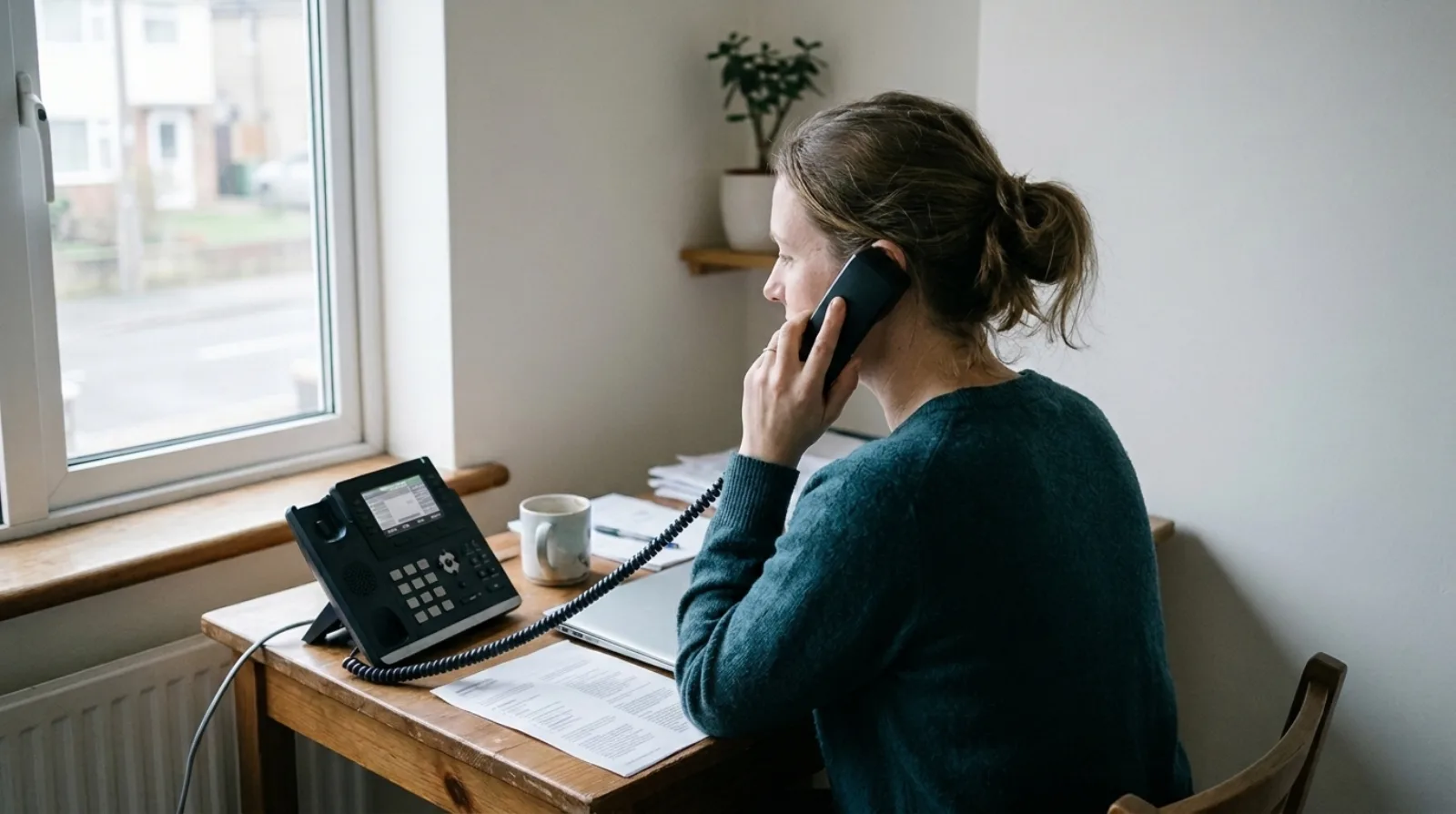
A business phone system for hybrid working has to attach the number to the person rather than to the building, so that a call to one number rings on whichever device that person is using today. About 28% of working adults in Great Britain were hybrid workers between 8 January and 30 March 2025, according to the Office for National Statistics (opens in a new tab), and for that group a cloud system with desktop, mobile and desk phone logins on one account does the job that a box on the office wall cannot.
In 2012 I was selling on-premise phone systems to dentist surgeries, car garages and solicitors' firms. Those businesses had no comms room, so the system ended up under a desk or on the wall by the toilet. The phones worked because they were wired to that box, which is the reason I now think a system that lives in a building struggles to follow people who aren't in it on Tuesday and Thursday.
Does a hybrid team need a different phone system?
A hybrid team needs a cloud phone system rather than an on-premise PBX, because a PBX only connects phones wired to one building and a cloud system rings the same person on a desk phone, laptop or mobile wherever they are. A home worker on a PBX needs a workaround such as forwarding to a mobile, whereas a cloud system treats the office desk and the kitchen table as the same thing. If you want the background on the older kind, what a PBX is and whether you still need one covers it.
Olatti, which is the business phone system we build at We UC, runs on Mac and Windows desktop apps, iPhone and Android apps, the web and Yealink desk phones. Each person has their own login, so the number goes where they go, and the apps come with every plan.
How should calls ring when someone moves between home and the office?
The person should choose which devices ring, and for how long, rather than the admin guessing their week. In Olatti each device can ring for 0, 15, 30, 45 or 60 seconds, and a person can divert calls always, when they're offline or when they're busy.
So on office days someone can leave the desk phone ringing for 30 seconds and turn the mobile down to 0, and on home days do the opposite with the desktop app and the mobile. I'd say the best test is dull: ask the provider to set up two devices on one user and ring that user from your own mobile while you stand in a different room from both.
Can you move a live call from a laptop to a mobile?
Yes, Olatti can switch a live call between desktop, mobile and desk phone, and the call leaves the first device only once the second has answered, so the other person doesn't notice. Check it before you buy by starting a call on a laptop, switching to the mobile and walking out of the room.
I haven't timed this on a bad connection, and I'd want to before promising a client anything about how it behaves on weak Wi-Fi.
Do home workers need a desk phone?
Only home workers who spend most of the day on calls need a desk phone; anyone with a laptop and a mobile can take calls in the Olatti apps. The Which Yealink desk phone article covers who wants a handset. A desk phone at home makes sense for the person who spends most of the day on calls, because it is always on and always charged and keeps calls off the laptop.
Setting one up is short: you enter the phone's MAC address in Olatti, assign it to a user and reboot it, and the phone configures itself. There are no SIP settings or config files to hand to someone at home. Yealink is the only hardware Olatti supports, and the hardware page lists models and prices. For one number across a desk phone and a mobile, see one business number on a desk phone and a mobile.
What happens to the office number when nobody is in the office?
When nobody is in the office, the main number should still reach a person or a written call plan, and in Olatti the admin builds that plan visually. Call flows have time of day, auto attendant, ring group, call queue, voicemail and call forwarding as the building blocks, and a draft doesn't affect callers until you press "Go live".
For a team that is in on Mondays and Wednesdays, a ring group that rings the desk phones and mobile apps of whoever is working is usually simpler than a rota for who forwards the main line to their mobile. A plan for the same thing on a small team is in the five-person phone system guide, and the page that owns the topic is the business phone system page.
Who pays for the calls people make from home?
The business pays for calls made from home through its plan, not through the person's personal mobile bill. Olatti is priced per user, per month, excluding VAT: Metered is £6 on monthly billing, Plus is £20 and Unlimited is £25, with annual billing cutting each of those (£5, £17 and £21 per user per month when billed annually, or £60, £204 and £252 per user a year). Calls between users on the same account are free and aren't counted against any allowance. The pricing page has the current plan details, and what a UK business phone system costs goes through the rest.
If someone would rather keep the business number on their own mobile's dialler, Olatti has an optional eSIM add-on that runs the business number as a second line. It is registered interest only, with no self-serve purchase and no published price at the moment, see Olatti eSIM.
What about emergency calls from a home office?
A 999 call over any internet phone depends on power and a working connection, so a home worker needs a mobile within reach. Olatti's terms say the emergency operator receives the registered address for the number, and the customer must keep that address current, which for a team that moves between sites is a job someone should own. Our guide to calling 999 on a business VoIP phone goes through it, and what happens to calls when the internet goes down covers the rest of the outage question.
What should you ask a provider before you buy for a hybrid team?
Ask five things and get each answer in writing:
- Which devices can one user's number ring on? Look for the desktop app, the mobile app and a desk phone together.
- Can I move a live call between them? Ask to see it done once.
- Who sets the ring order, the admin or the person? The person, for their own devices.
- What number does an outgoing call from the mobile app show? The business number, as described in a work phone number for staff.
- Can I try it on real calls? Olatti has a 7-day free trial with 100 UK landline minutes and 50 UK mobile minutes, no card needed.
There are no long contracts, and you can take your number with you if you leave.
Frequently asked questions
Can staff use the same business number from home and the office? Yes. On a cloud system the number is assigned to the user, and their desktop app, mobile app and desk phone can all use it.
Do I need to buy hardware for home workers? No. The desktop and mobile apps are included on every plan, and desk phones are optional.
Does it work on a personal laptop? The web app needs nothing installed and works in current Chrome, Edge, Safari or Firefox.
How do I try it? Start for free (opens in a new tab) and a new UK number is assigned during signup and is live straight away, so you can ring it from your own mobile within minutes.
Tell us how your team takes calls today
Someone on our sales team will read it and reply, either answering your question or offering to set your account up with you.