What do you need to set up an office phone system in the UK?
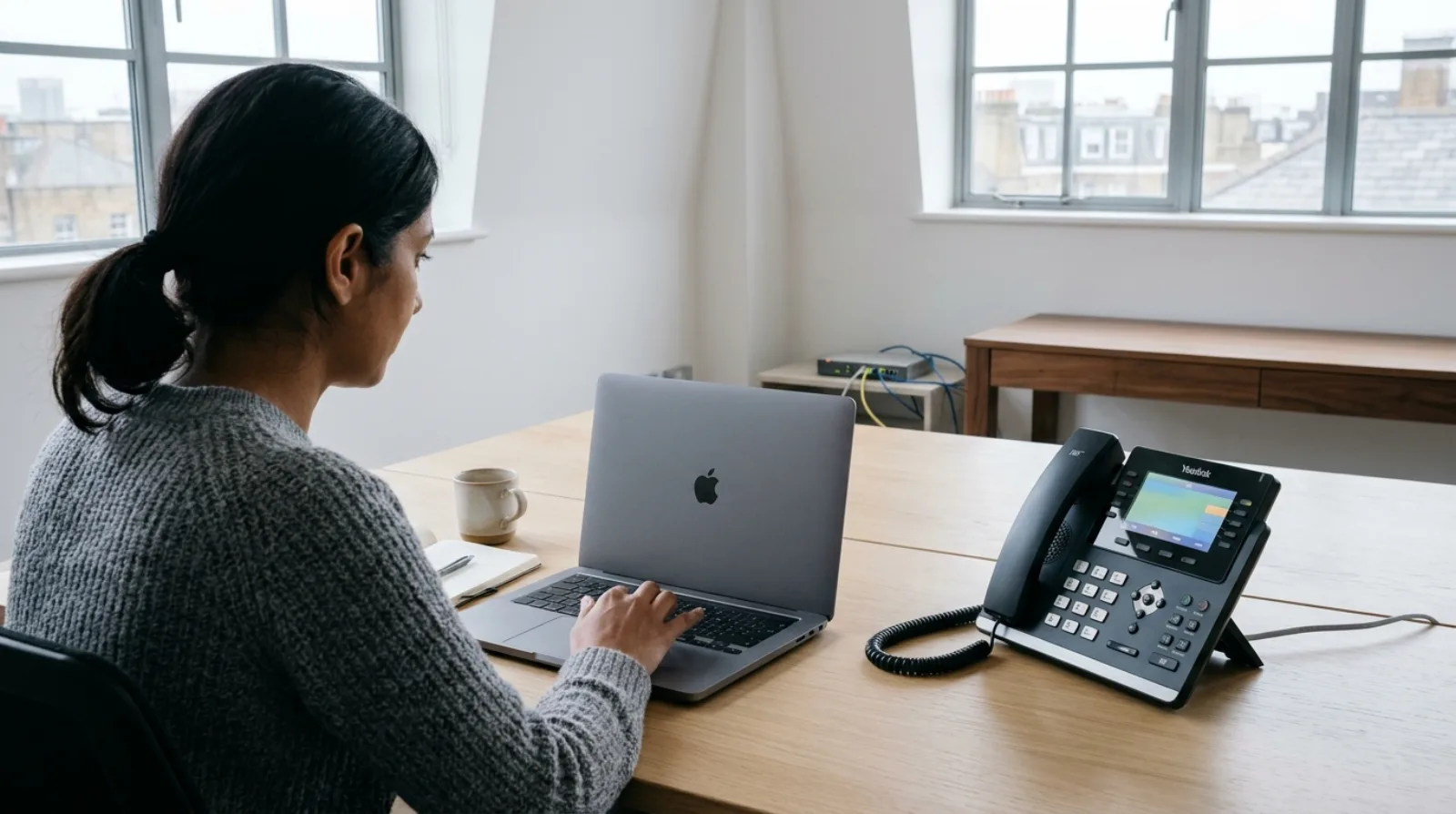
An office phone system needs four things in the UK: a broadband line with enough upload speed for your calls, power for each phone, the phones or apps your team will answer on, and a phone number. Olatti covers the last two on every plan, because the desktop and mobile apps and one UK number are included, so the broadband and the power are the parts you check yourself.
Everything else on a quote, the cabinet and the lease and the line rental, belongs to the old way of buying a phone system, where the exchange box sat in your office.
Do you need a special phone line?
No. A cloud phone system sends calls over the broadband you already have, so you don't need a separate phone line for it. What matters is upload speed, because the voice of everyone talking at once leaves your office through it.
One call on G.711 uses 87.2 kbps each way, and one call on G.729 uses 31.2 kbps each way, according to Cisco's bandwidth figures (opens in a new tab). Ten calls at once is therefore a bit under 0.9 Mbps of upload on G.711, which most business broadband lines clear easily. The sums for your own team, and how to test the line before you switch, are in how much broadband a business phone system needs.
There is a date behind the question too. Openreach says (opens in a new tab) that on 31 January 2027 all traditional phone lines will need to move to a digital service, so an office still on a copper line is going to need broadband-based calling anyway. What the switch-off means for a small business goes through it.
What do you need to power the phones?
Every desk phone needs mains power from somewhere, and so does the router it talks through. The two usual ways are a plug-in adapter at each desk, or a network switch that sends power down the network cable, which is called Power over Ethernet. Which one a phone takes depends on the model, so ask for the power details of the exact phone before you buy a switch to go with it.
This is also where an office phone system gets less forgiving than a landline. A copper landline took its power from the exchange, so a basic handset kept working in a power cut. A cloud phone stops when the power or the internet goes. I'd keep a charged mobile in every office for that day, and the reasoning behind it is in calling 999 on a business VoIP phone.
Do you need desk phones at all?
No. A desk phone is optional with Olatti, and the desktop and mobile apps are included on every plan. A team that sits at laptops can take calls there and keep the same number, which makes the phone on the desk a choice about habit and comfort more than a requirement.
The case for a desk phone is usually a reception desk or a shared counter, where someone answers all day and a handset in the cradle is quicker than finding a headset. Olatti supports Yealink desk phones only, and the current list prices including VAT and next-working-day UK delivery are the T31W at £75, the T73U at £100, the T87W at £225 and the T88W Pro at £399. Which Yealink desk phone suits a small business matches the model to the seat, and the hardware page lists the rest.
If you have old handsets, they will probably not work as they are. Can you keep your old office phones when you move to VoIP explains the adapter route and what Olatti supports.
How do the phones get set up?
For a Yealink desk phone you enter its MAC address in Olatti, assign the phone to a user and reboot it. The phone then configures itself and re-syncs every day, with no SIP settings to type in and no config files to host.
That is the part I would have paid for in 2012. I started in business telecoms that year, at a firm that sold on-premise phone systems to dentist surgeries, car garages and solicitors, and none of them had a comms room, so the system ended up under a desk or on the wall by the toilet. Nobody in those offices wanted to look after the box, and the leasing companies liked it that way. Today a new desk phone is a quote within one working day, delivery the next working day once you've paid, and a few steps in the app.
What do you need to do about your phone number?
Decide whether you are keeping the number you have, because that is the one step that runs on someone else's timetable. Every Olatti plan includes one UK number, and a new one is assigned at signup so you can make a first call within minutes. If you need your existing number, you raise a port, which costs £20 per number when it is raised and then £5 a month for each ported number, on top of the plan, excluding VAT.
Keep the old service running until the move completes. A date is only confirmed after the request is accepted, so I wouldn't plan the first day of the new system around a number that is still on its way. Keeping your number when you switch lists what to have ready, and how long it takes to set up a business phone system puts the steps in order.
What does an office phone system cost once you have all that?
On Olatti you pay per user, per month, excluding VAT: Metered at £6 monthly or £5 billed annually, Plus at £20 or £17, and Unlimited at £25 or £21. Desk phones are bought separately, apart from Unlimited, which includes one free Yealink T31W per user on annual billing. The pricing page has the current figures and the founding member offer, and what a business phone system costs in the UK works through a few team sizes.
Frequently asked questions
Do I need a PBX box in my office? No. The calling runs in the cloud, so there is no exchange box to house, power or maintain. What a PBX is and whether you still need one covers the reasoning.
Can I use my laptop and mobile instead of desk phones? Yes. The desktop and mobile apps come with every plan, and a desk phone is optional.
Do I need a headset? Only if people spend long stretches on calls at a laptop. I'm not recommending a model, because headsets aren't part of the Olatti product facts I can vouch for, and the choice is about comfort.
What if the broadband goes down? Calls stop with it, on every cloud phone system. What happens to business calls when the internet goes down covers the fallbacks.
If you want the whole picture of what Olatti does for a UK office, the business phone system page is the one to read next.
We'll show you Olatti and tell you if it fits your business
Leave your details and we'll walk you through it in about 45 minutes, on a real UK number. If it isn't right for your team, we'll tell you why.